Important Update: Save Your Fitbit Health Data Before It's Too Late
If you're a Fitbit user, it's crucial to pay attention to the notifications you've been receiving. The deadline is fast approaching for migrating your Fitbit account to a Google account, and delaying this action could mean losing years' worth of health and fitness data. Don't let your valuable information slip away—read on to find out what you need to do.
What You Need to Know Before May 19
Mark your calendars for May 19, as this is the deadline for making an important transition that could affect your health data.
The Consequences of Ignoring This Deadline
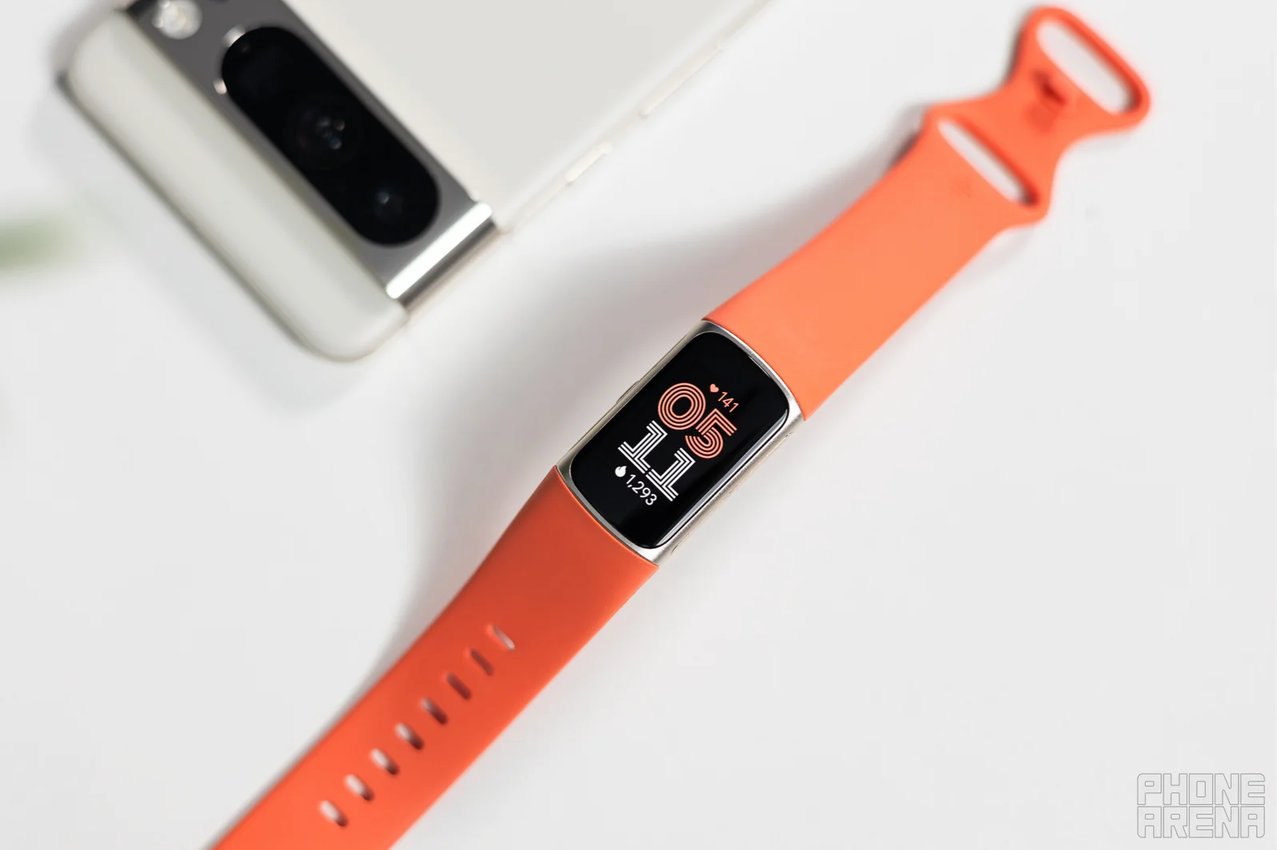
If you choose to ignore the migration process, you risk losing access to all your accumulated health metrics and fitness achievements. This could mean the end of tracking your progress over the years and valuable insights into your health journey.
How to Migrate Your Fitbit Account in Less Than Five Minutes
Follow These Simple Steps
- Open the Fitbit app on your smartphone.
- Tap on your profile photo located in the top corner.
- Select the option to Move Fitbit to your Google account.
- Tap on Move Account and choose the Google account you wish to link.
- Review your health data, consent to the terms provided, and then tap Agree & move to finalize.
Why Google Is Making This Transition Essential
This push for migration is not only about preserving your data but also about enhancing your experience. By unifying logins, Google introduces exciting new features, including the Gemini-powered AI health coach, which is now only available for Google account holders.
Don’t Wait Until It’s Too Late
Take action now and ensure that your health data remains intact. Migrate your account today and unlock the full potential of your Fitbit experience.


