The latest December update for the Pixel 10, 10 Pro, and 10 Pro XL has brought some welcome improvements, but it has also introduced a frustrating touchscreen bug affecting a notable number of users.
When Your Phone’s Touchscreen Suddenly Becomes Unresponsive
For several Pixel 10 Pro and 10 Pro XL owners, the touchscreen has unexpectedly become completely unresponsive after the update, while the power button and fingerprint reader continue to function normally. Interestingly, the standard Pixel 10 model appears unaffected, with only one reported case involving a Pixel 9 Pro XL so far.
Reddit users have shared their experiences, describing a scenario where the phone, after being left idle on a table, locks itself but then refuses to accept any touch input upon return. The device can only be restored to functionality via a forced restart by holding the power button for 30 seconds.
“Since the December update, I've had to force restart the phone multiple times every day by holding down the power button for 30 seconds. The touchscreen becomes completely useless after the phone locks while sitting idle. I can wake the screen and use the fingerprint reader to unlock, but no touch input is accepted until a force restart.”
Curiously, the issue appears only after the device is left on a surface for a while, with no problems reported when carrying the phone in a pocket or holding it in hand.
How Serious Is the Issue?
Many users find the bug alarming, fearing potential damage to the device due to the repeated need for force restarts in response to the unresponsive screen. Despite these difficulties, it is important to note that the problem does not seem to affect all Pixel 10 series models equally.
Community Reaction: Has Google Missed the Mark?
Current poll results:
- 24.14% say the phone is zippier
- 20.69% see old bugs fixed
- 20.69% notice mixed results
- 34.48% report new bugs
Workarounds and What You Can Do
Unfortunately, there isn’t a permanent fix available yet. The only temporary solution is to force restart the device when the touchscreen stops responding. Some users have found partial relief by disabling the Always-On Display feature, which seems to prevent the problem from occurring during long idle periods.
In addition, using location-based Extended Unlock settings at home may help avoid repeated lockouts, but this method is limited to specific environments and is far from a permanent solution.
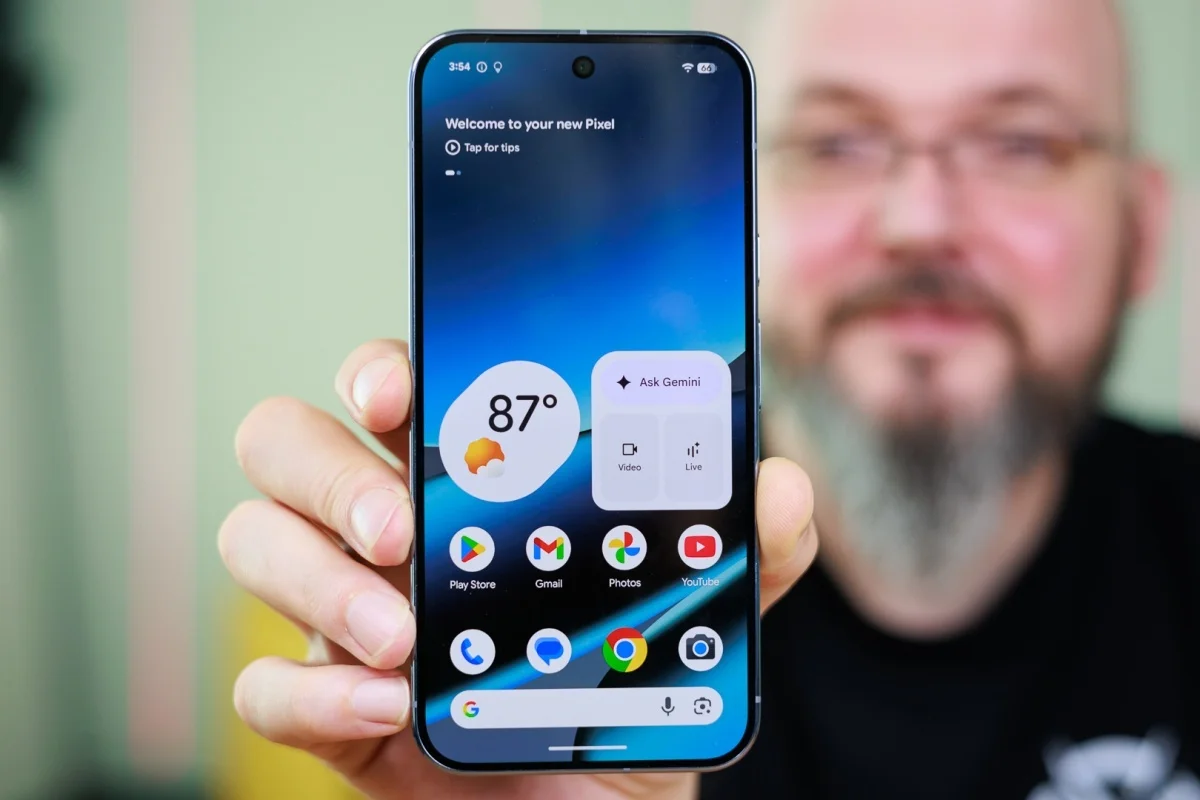
The Pixel 10 Pro XL is among the devices affected by the touchscreen bug. | Image Credit – PhoneArena
Looking Ahead: When Will Google Act?
As of now, Google has not officially acknowledged the issue. Recognition is the first step toward resolution, and users are hopeful that a dedicated fix will be delivered in an upcoming software update.
Should You Abandon Your Pixel 10?
Despite these frustrations, there’s no need to give up on the Pixel 10 series. The December update has addressed more issues than it has created, and overall, this family of devices experiences fewer bugs compared to previous Pixel models. Patience and confidence in Google’s continued support are still warranted.
Until an official patch arrives, adopting workarounds such as disabling Always-On Display can improve usability and reduce inconvenience.




