Opera has rolled out new AI enhancements for its Android browser, Opera for Android, aiming to align its mobile AI capabilities with those of its flagship desktop browser, Opera One.
The update introduces Ask AI, a new access point for AI-driven queries directly within the browser. Users can tap the search bar and select the "Ask AI" option to toggle seamlessly between conventional web searches and AI-powered responses.
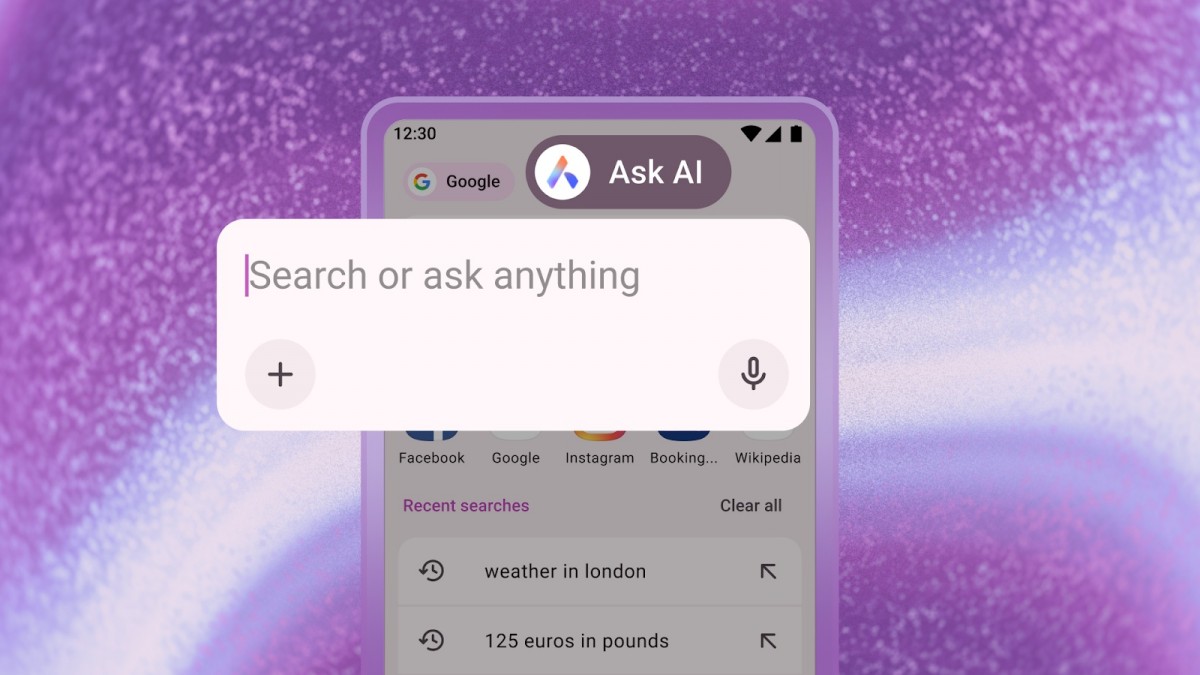
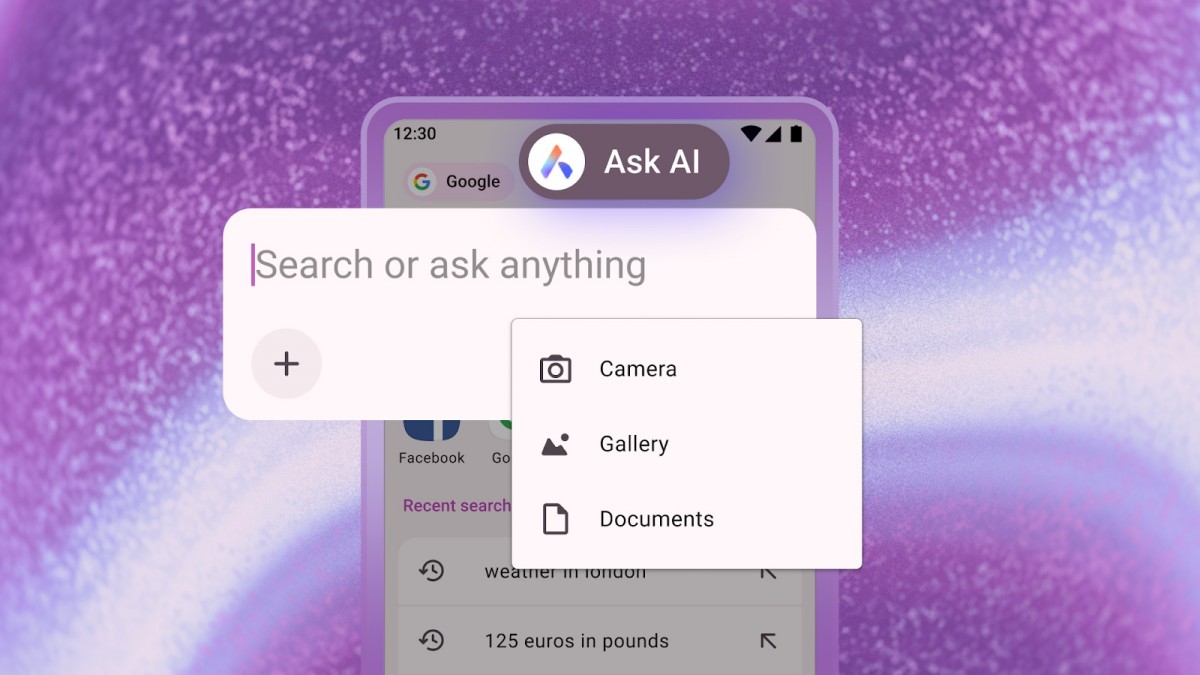
Additionally, users can now attach files within the Ask AI interface for tasks such as translation, summarization, or explanation. Supported file types include PDFs and images. To upload, simply open Ask AI, tap the "+" icon, and select a document or photo from your device. You can also capture and upload images directly using your device’s camera.
Moreover, Opera enables users to utilize the content of their current browser tab as context for AI prompts. By tapping the three-dot menu in the top-right corner and selecting "Ask AI," the browser attaches the webpage content to your query, allowing AI to explain, summarize, or translate the page's information.
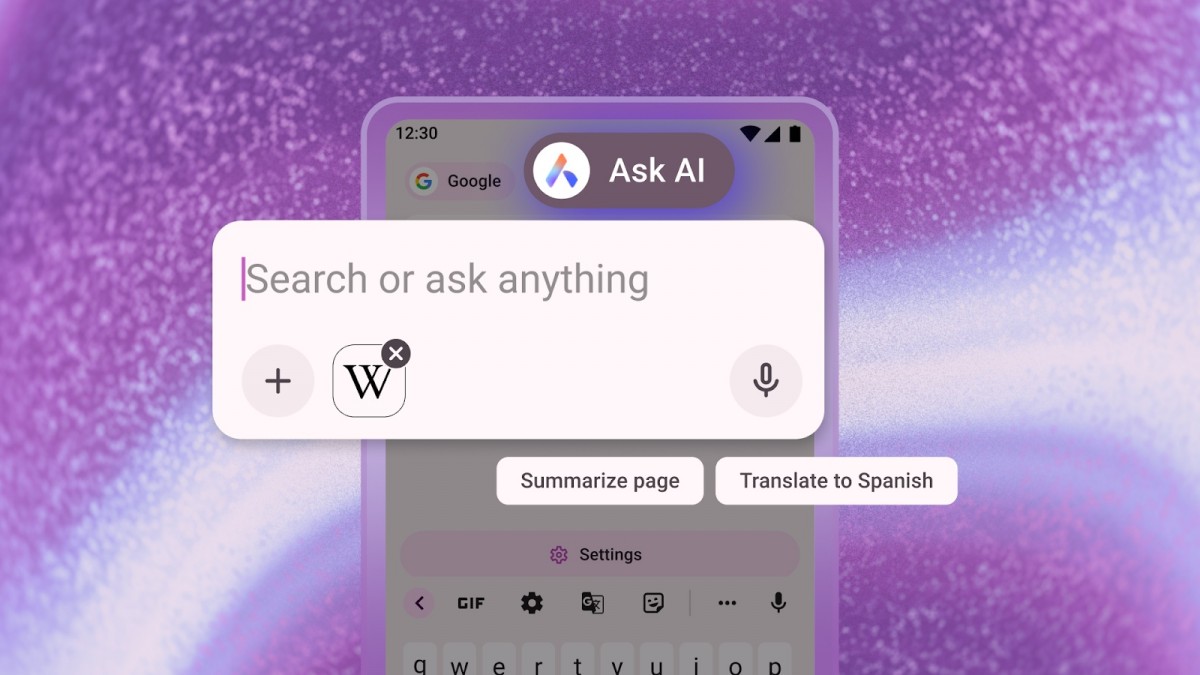
Users can follow up with additional questions related to the page content by typing directly into the search bar.
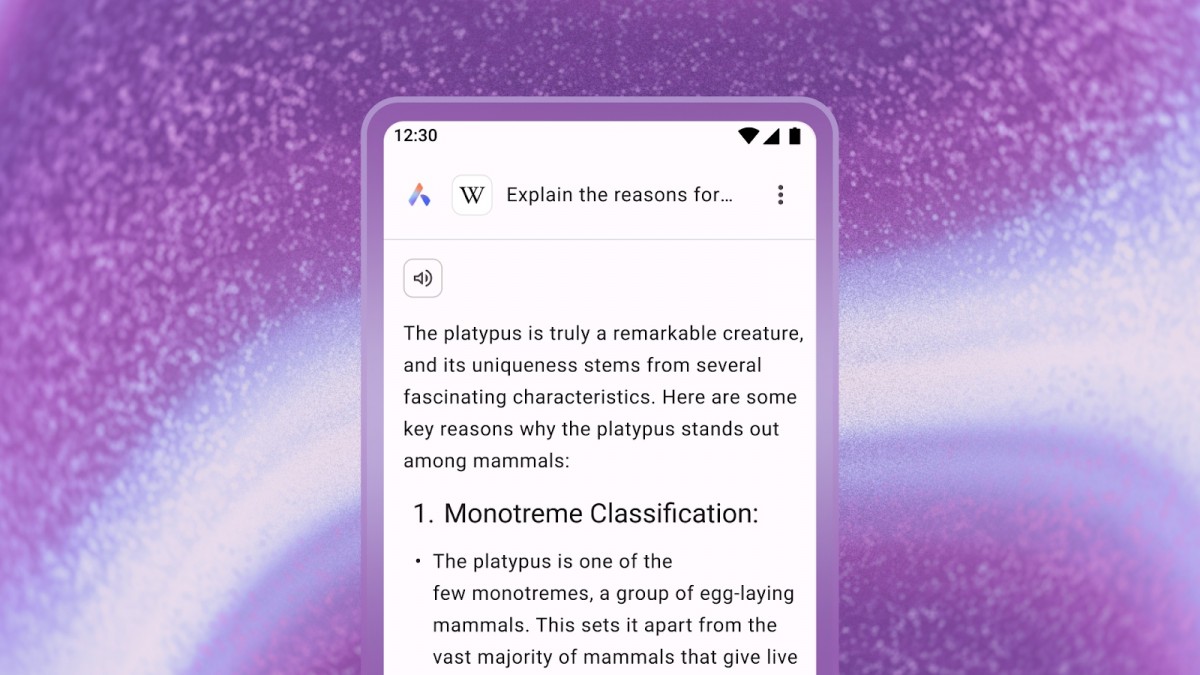
Opera emphasizes strong privacy measures, ensuring that AI access is strictly limited to the active browser tab, without any exposure to other browsing data.
According to Opera: "Page context data is only sent to the AI Engine when necessary to fulfill your request. Opera AI does not transmit your broader browsing activity or history to the AI Engine."
Furthermore, "Prompt and page context data are encrypted and sent to Opera’s servers and the AI model relevant to your task. This data is retained for up to 30 days solely to maintain conversation continuity and improve processing speed. It is never used for AI training, advertising, or other purposes and is automatically deleted after 30 days."
These AI-driven features are now available. If you don’t see them yet, update Opera for Android from the Google Play Store.




