As an avid Android user, I was thrilled when OxygenOS 16 began rolling out to devices like the OnePlus 13. With promises of meaningful improvements and new features, I eagerly awaited the update notification. After installing it, my experience quickly evolved into a whirlwind of highs and lows, giving me much to appreciate — and a few frustrations along the way.
What’s New and Worth Celebrating in OxygenOS 16
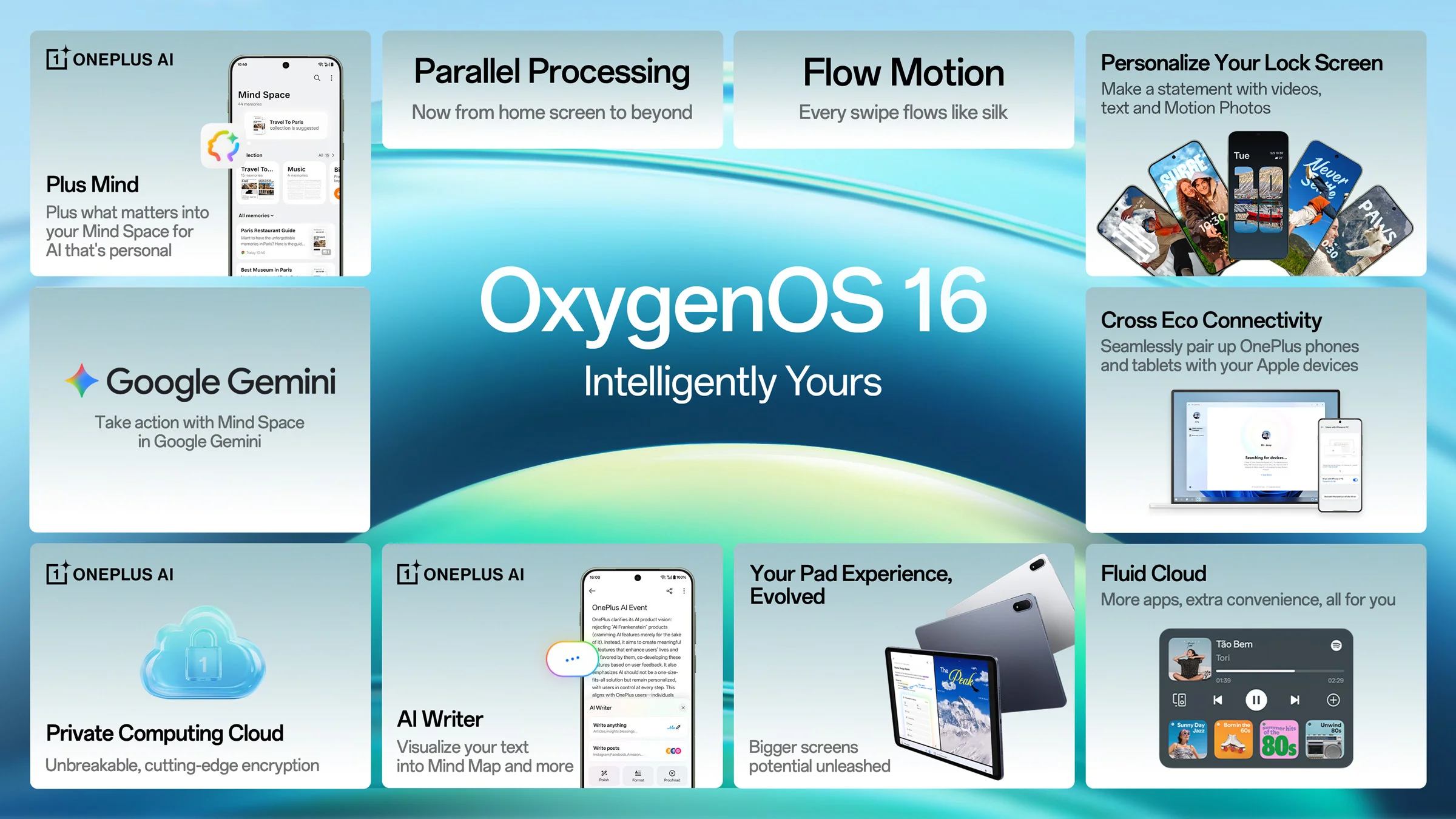
- Fresh home and lock screen customization that feels dynamic and responsive
- Considerable stability enhancements and improved battery life
- Enhanced camera performance — a much-needed win
- Smoother, more intuitive UI navigation
- Native Phone Screen Cast to seamlessly connect with PCs (which I am yet to explore)
- Unexpectedly improved typing experience — it simply feels better
Following the update, once the phone completed its optimization cycle and I charged it for a few hours as suggested, the battery life impressively stretched to almost three full days on a single charge — remarkable considering my active usage during this period.
Navigation on the OnePlus 13 has become noticeably smoother. While it's hard to pinpoint exactly how, the UI now reacts to my touch inputs with remarkable immediacy, almost as if occurring in real time rather than preemptively. Such subtle improvements cultivate a refined user experience anyone upgrading to OxygenOS 16 will likely appreciate.
Some Hiccups Along the Way
Despite the positives, the update didn’t come without its drawbacks. When OxygenOS initially launched with the OnePlus 13, some western users — myself included — experienced issues with availability and had to jump through hoops, like reinstalling the Android ROM, to stabilize the device. Although manageable for seasoned users like me, it’s a frustrating experience many would prefer to avoid.
When Familiar Ideas Feel a Bit Too Familiar
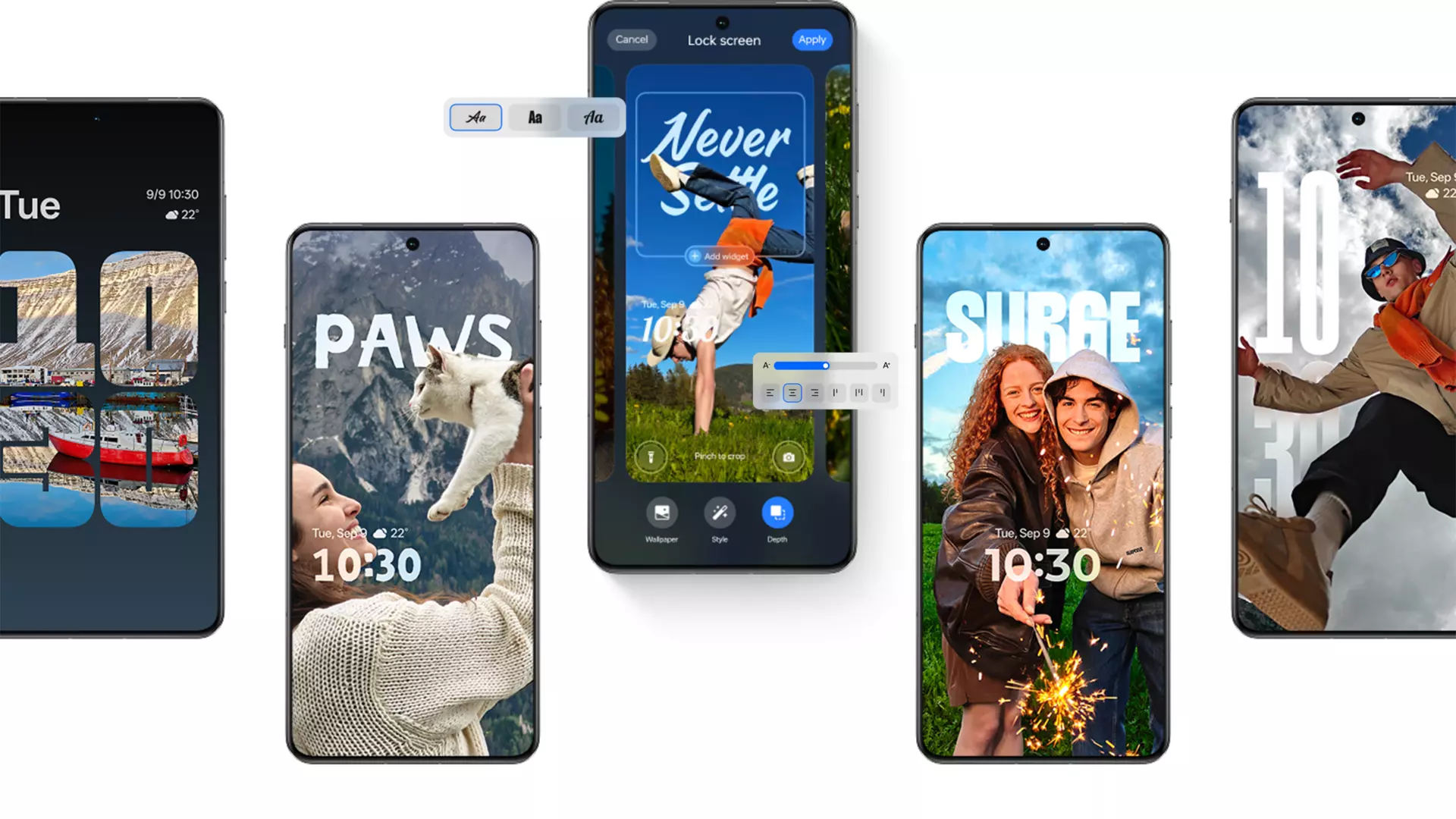
Features such as AI-driven wallpapers impressed visually but lacked the personalization I longed for. While the rotating AI-generated mountain scenes look stunning initially, I hope future updates allow me to use my personal artwork and photos for a more meaningful touch.
Launcher Challenges: When Customization Meets Limitations
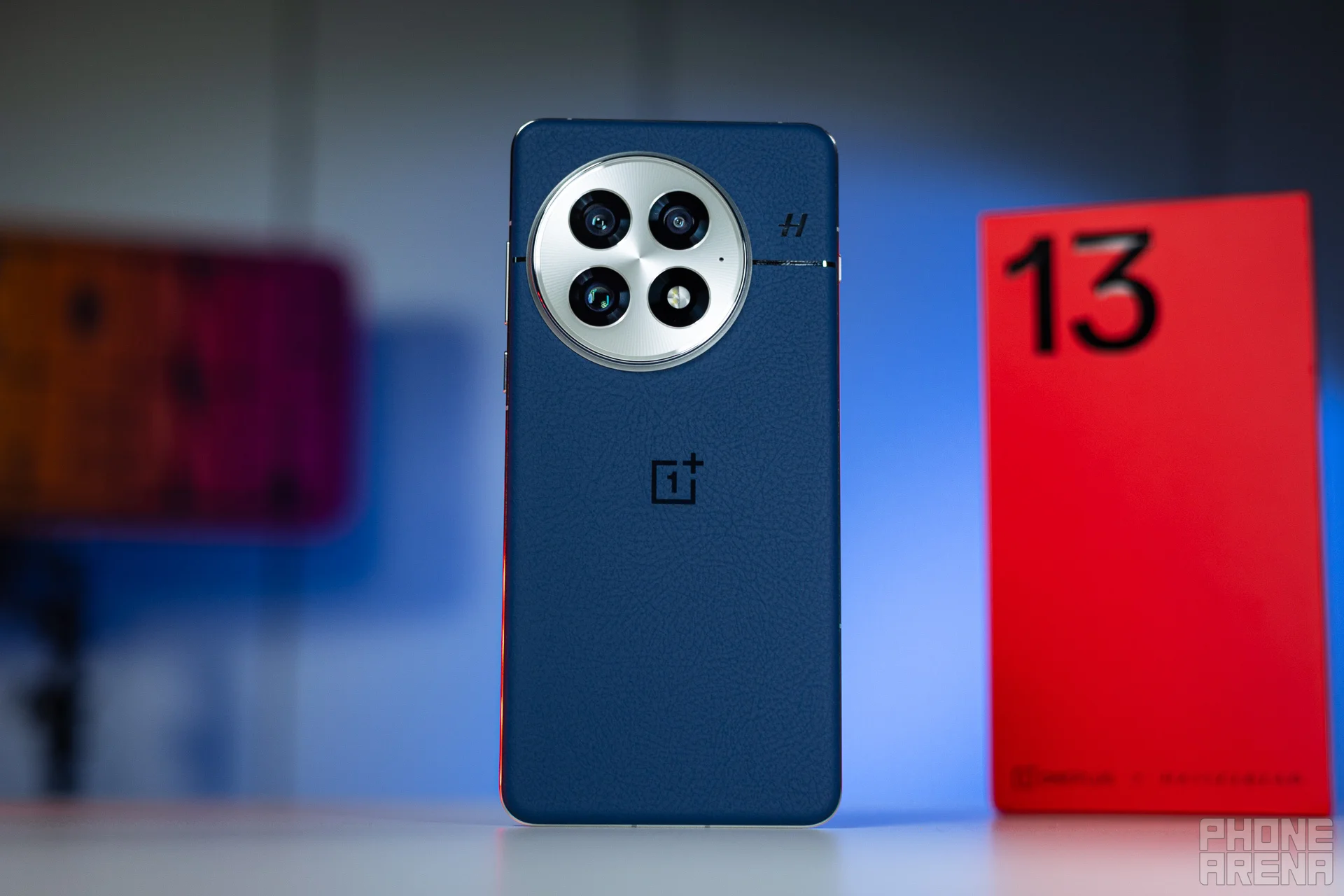
I’ve always enjoyed experimenting with custom launchers to give my phone a fresh vibe whenever the mood strikes. Unfortunately, OxygenOS 16 initially made it difficult to use third-party launchers, forcing unexpected changes that undermined user control.
A Quirky Workaround for Third-Party Launcher Issues
Thankfully, a helpful Reddit community shared a practical fix for this:
- Open Settings and search for “Default Apps”.
- Select “Home app” and choose your desired launcher.
- Restart your device, and wait until it fully boots before continuing.
- In Settings, search for “Transition animations”, avoiding the similarly named animation speed setting.
- Open this setting to temporarily revert to the default launcher (this is expected).
- Open App management and locate the default launcher like any other app.
- Swipe it away to close it.
- Success! Your chosen launcher’s navigation and home button should now work as intended.
While this fix isn’t ideal and casual users shouldn’t have to navigate such hoops, it exemplifies why I value Android’s flexibility and community-driven solutions.
The Takeaway: OnePlus Still Has Growth Opportunities
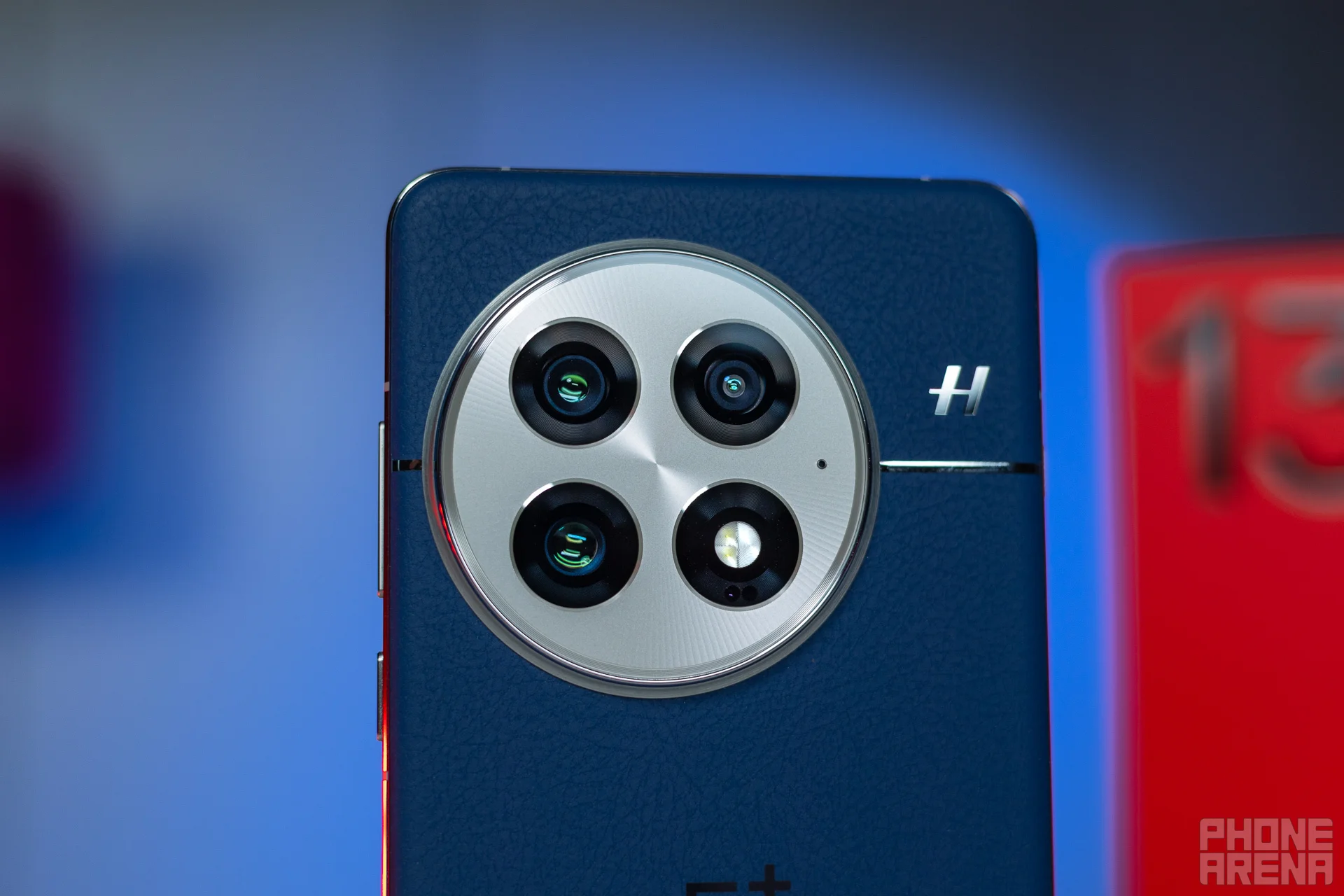
OxygenOS 16 is a mixed bag offering both exciting features and frustrating glitches. OnePlus has left some fan-favorite options from earlier Android versions by the wayside, affecting how users interact with and personalize their phones. Still, the OnePlus 13 remains a premium flagship with exquisite design and craftsmanship.
Issues like launcher hurdles and imperfect app categorization dampen the experience but don’t diminish the device’s core strengths. I hope OnePlus listens closely to community feedback and continues refining OxygenOS, closing gaps that currently leave users in limbo. Until then, the journey with this device is all about balancing love and occasional frustration — and learning along the way.




