Introduction
If you've ever been frustrated by the limitations of AirDrop or the challenges of transferring files between different operating systems, KDE Connect might just be the solution you've been searching for. This open-source app bridges the gaps between Linux, Android, Windows, macOS, and even iOS, giving you seamless connectivity and a versatile set of features that make device interaction effortless.
KDE Connect Breaks Down Ecosystem Walls
KDE Connect is a cross-platform, open-source tool designed to enhance interoperability across various devices and operating systems. Whether you're using Linux Desktop, Android, Windows, Plasma Mobile, SailfishOS, macOS, or iOS, this app enables easy connection between your devices.
With KDE Connect, you can:
- Send files effortlessly between devices
- Share and sync clipboards
- Receive and respond to phone notifications on your desktop (where supported)
- Run custom commands from your phone on your desktop
- Control your mouse and multimedia playback remotely
Why I Rely on KDE Connect
As a daily MacBook Pro user who frequently pairs with an Android phone, two KDE Connect features stand out as indispensable: file sharing and clipboard syncing.
Although KDE Connect's interface may appear simplistic and utilitarian compared to modern apps, this minimalism translates into reliability. Unlike ad-heavy apps that struggle to deliver their core functions, KDE Connect remains focused and functional without unnecessary distractions.
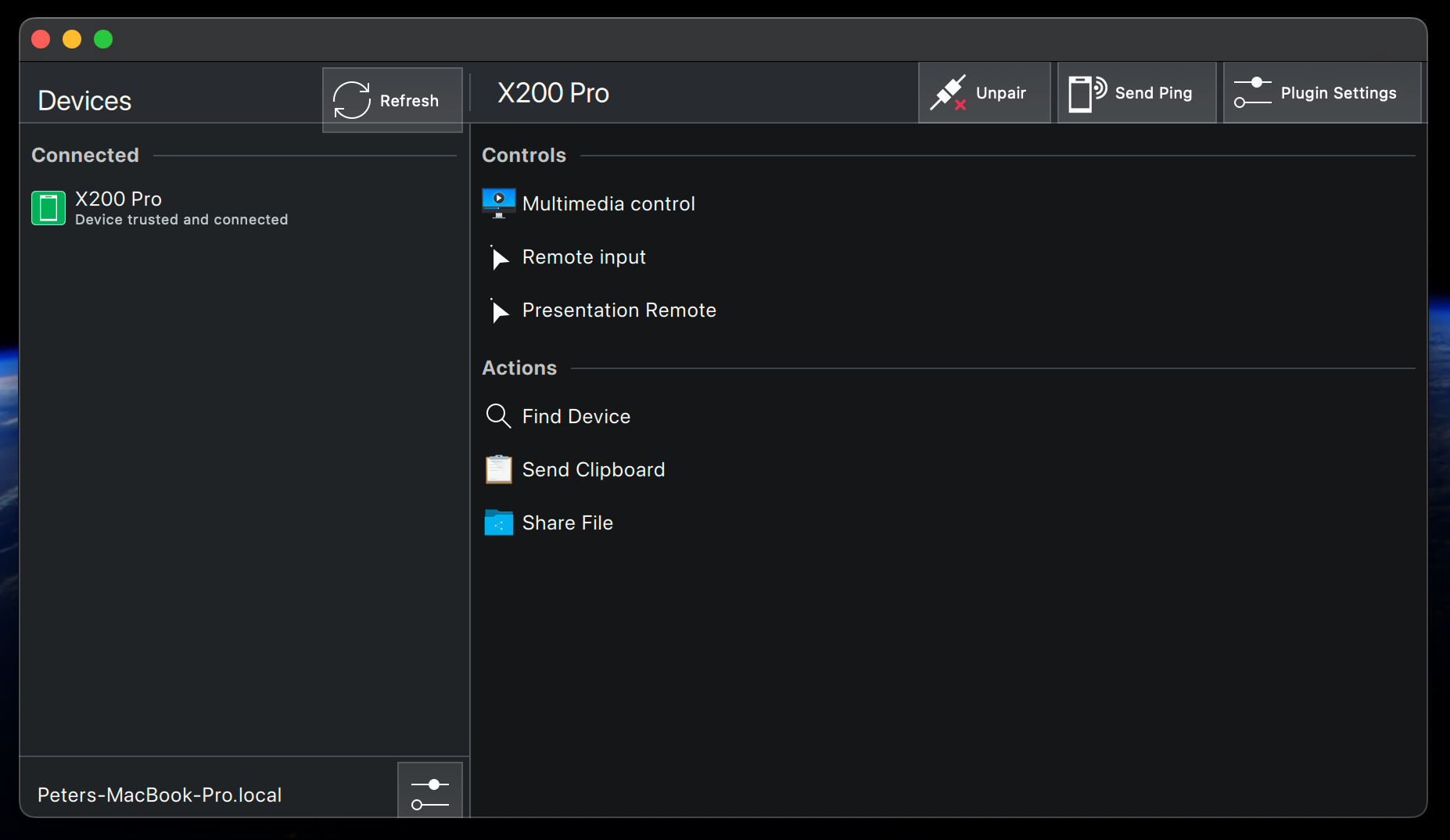
Effortless File Sharing
Historically, transferring files between Android and Apple's ecosystem was clunky and frustrating, but KDE Connect smooths that process remarkably. Simply open the app, choose “send files,” select your items, and the files instantly appear in your MacBook's Downloads folder without quality loss or compression.
You can also share files directly from file managers or gallery apps with just a tap, making file transfer as intuitive as it should be.
Clipboard Syncing Without Complications
KDE Connect also offers clipboard sharing, allowing you to copy text on one device and paste it on another. Although it may require a few more taps than Apple’s Universal Clipboard, it’s an excellent solution for non-Apple users.
Both devices need to be connected to the same network, typically Wi-Fi. Alternatively, with tools like Tailscale, you can maintain this connection even if your devices are on different networks, ensuring continuous synchronization.
Is KDE Connect Right for You?
KDE Connect isn't a built-in native tool, so there’s some setup involved to grant the necessary permissions and get everything running smoothly. Occasionally, your devices might disconnect or encounter quirks based on your unique ecosystem, but the open-source community consistently improves the experience.
If you appreciate robust, functional open-source software and need a reliable method to connect devices across platforms, KDE Connect deserves a spot in your toolkit.




