Apple’s Strategic Backwards Step: Reinventing the iPad Experience
The iPad has long been Apple’s unique creation, carving its own path distinct from the MacBook and iPhone. This differentiation was intentional — Apple didn’t want the iPad to cannibalize MacBook sales, instead offering it as a versatile, touch-first device. However, with iPadOS 26, Apple is redefining that approach by making several significant changes that simultaneously enhance aesthetics and disrupt familiar workflows.
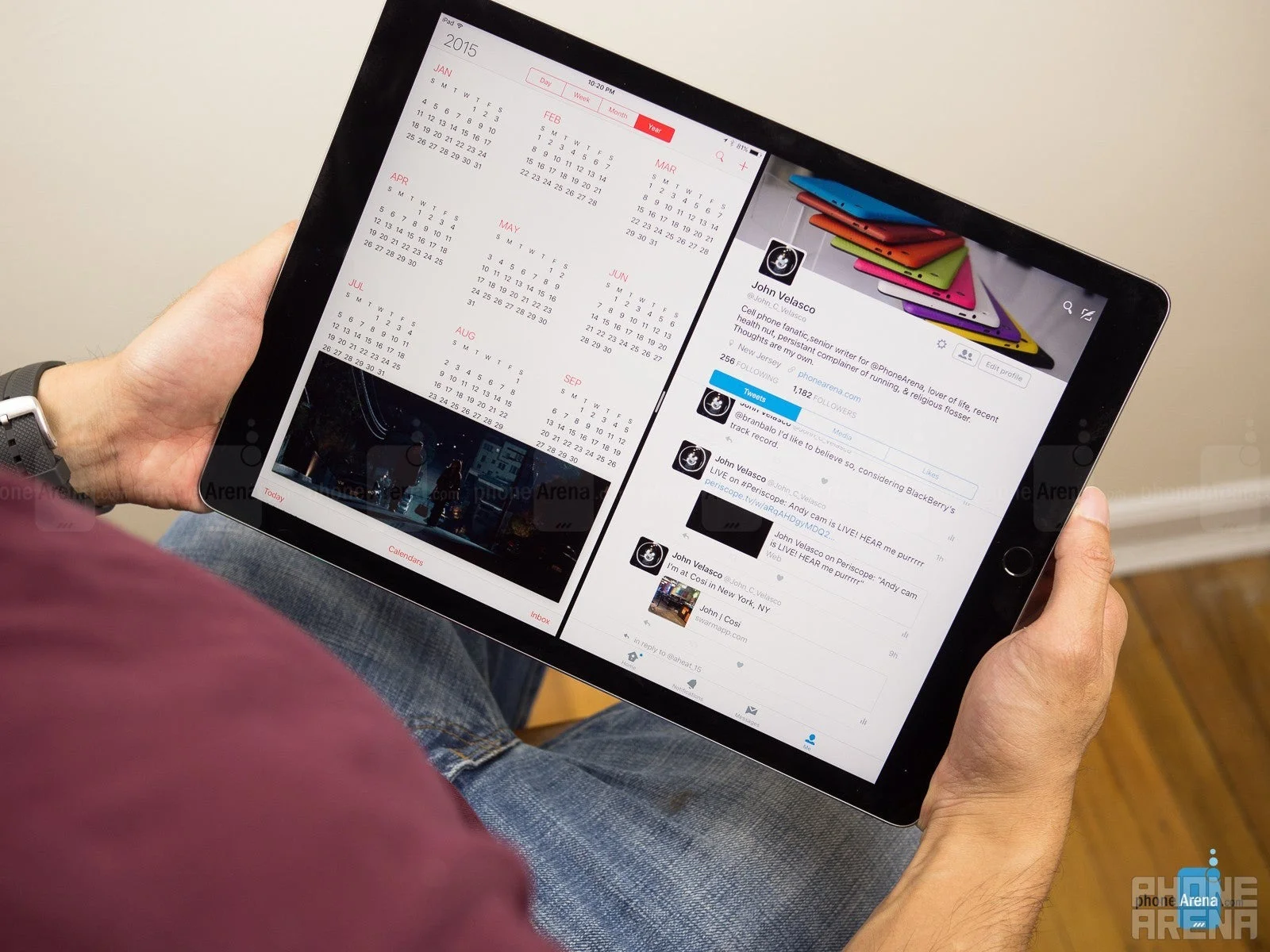
The original “humongous” iPad marked Apple’s first step into tablet innovation (Image credit: PhoneArena)
Originally, advanced features like multitasking and window management were limited to iPads equipped with powerful M-series chips, due to the heavy resource demands. Fast forward to today, and Apple is extending these capabilities even to the entry-level 8th generation iPad from 2020, powered by the A12 Bionic chip.
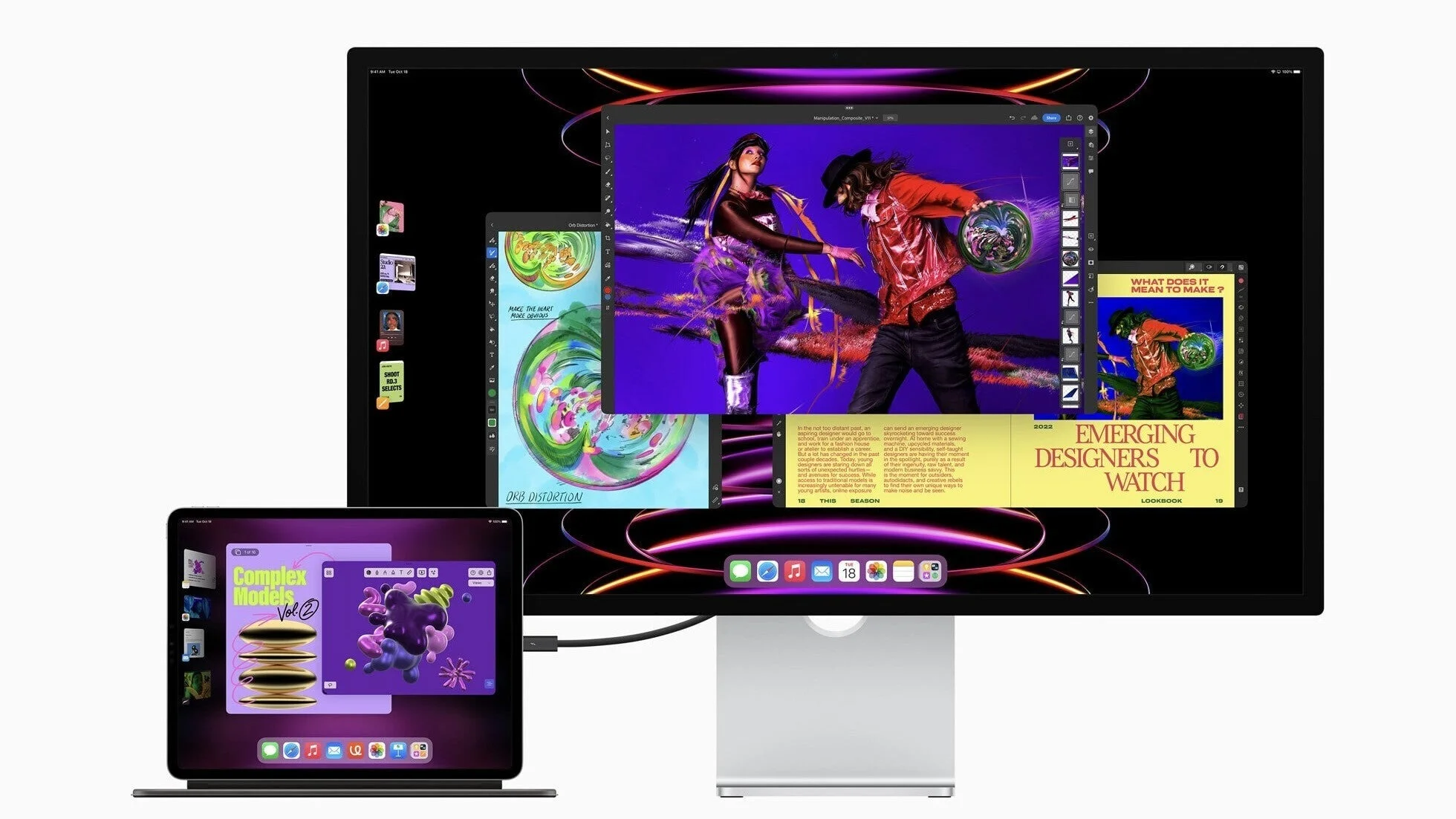
Image credit – Apple
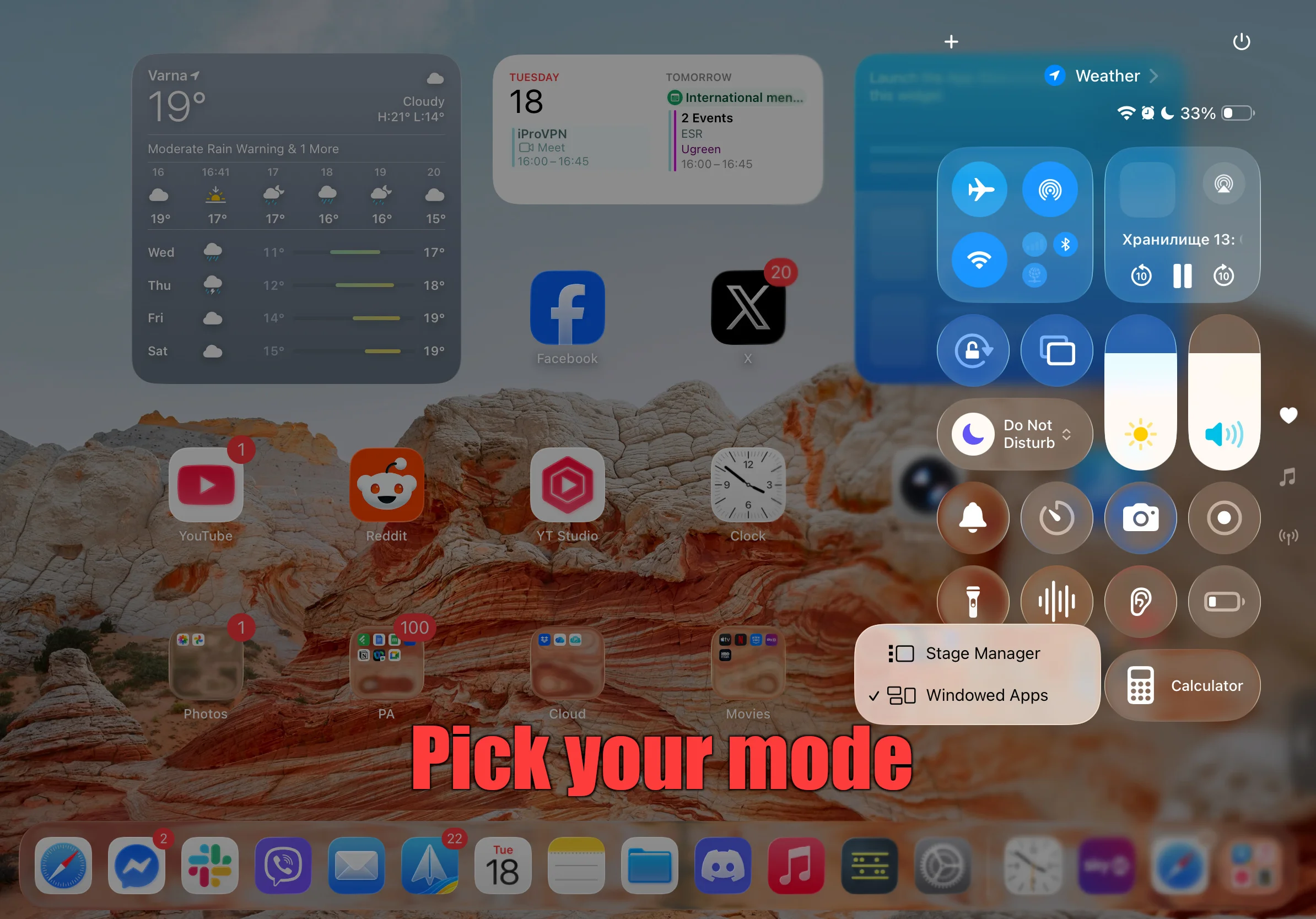
One of the most talked-about changes is the replacement of the much-criticized Stage Manager with an all-new Windowed Apps system. This revamped multi-window experience aims to offer a more intuitive and flexible way to manage apps on the iPad — and it’s also available on many older models, breathing new life into them.
The Windowed Apps System: Promises and Pitfalls
On paper, the Windowed Apps system introduces a desktop-like experience tailored for the touch-first interface of the iPad. Users can resize, move, and layer app windows more freely, aiming to boost productivity and multitasking.
Additional Benefits
- Apps can continue running in the background with persistent states.
- More fluid management of multiple windows and improved drag-and-drop functionality.
The Downsides: What Apple Got Wrong
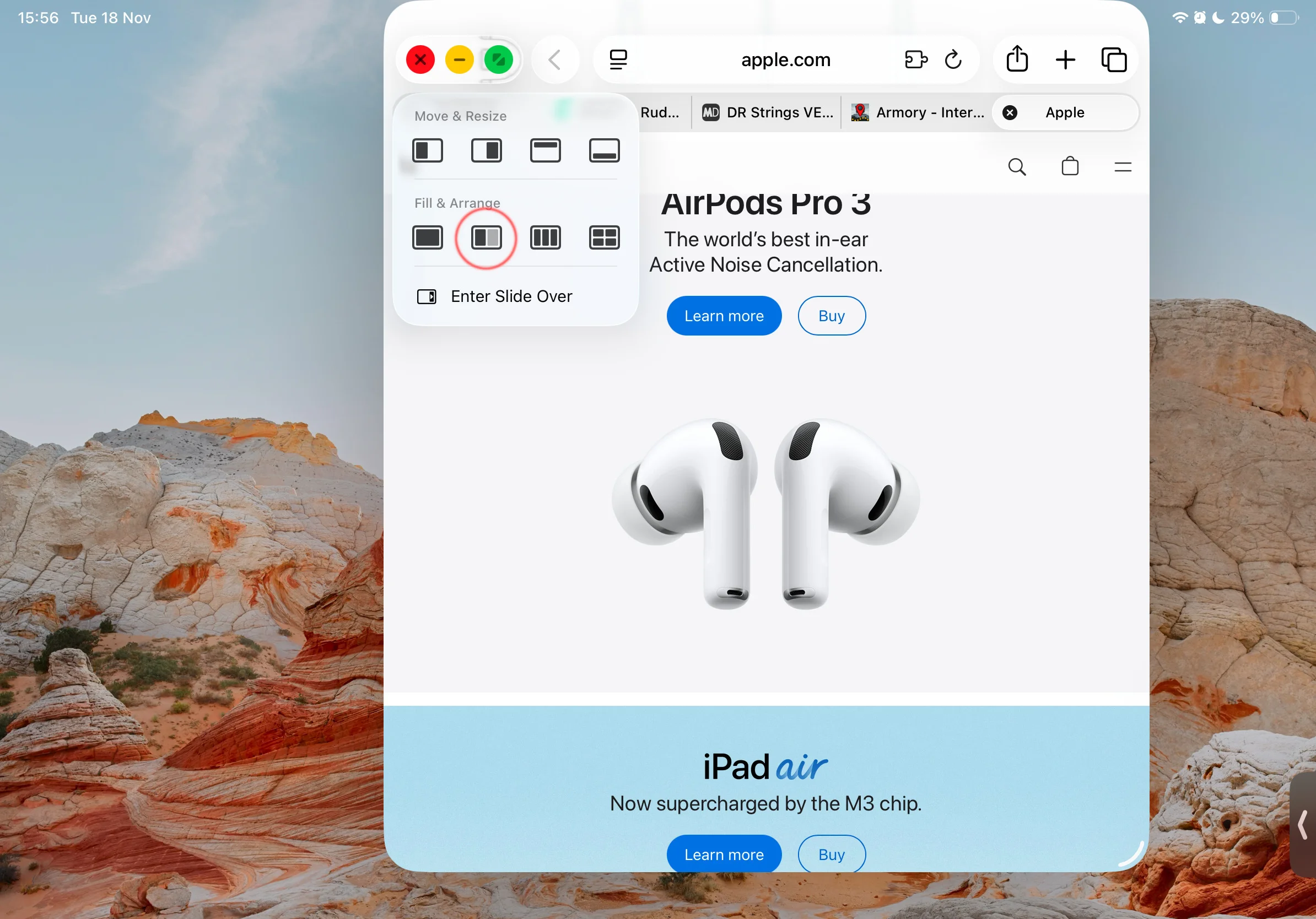
While the new system looks promising, it sacrifices some beloved features from earlier versions.
A Farewell to Slide Over and Split View
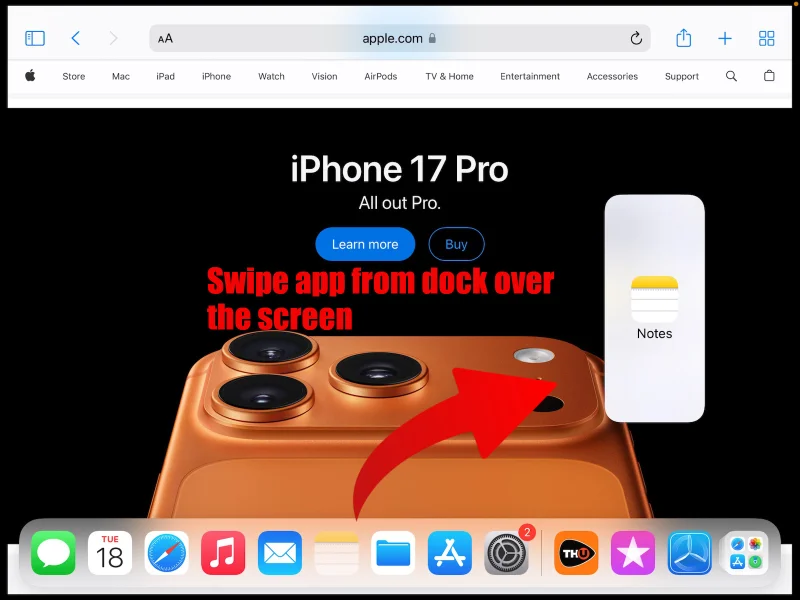
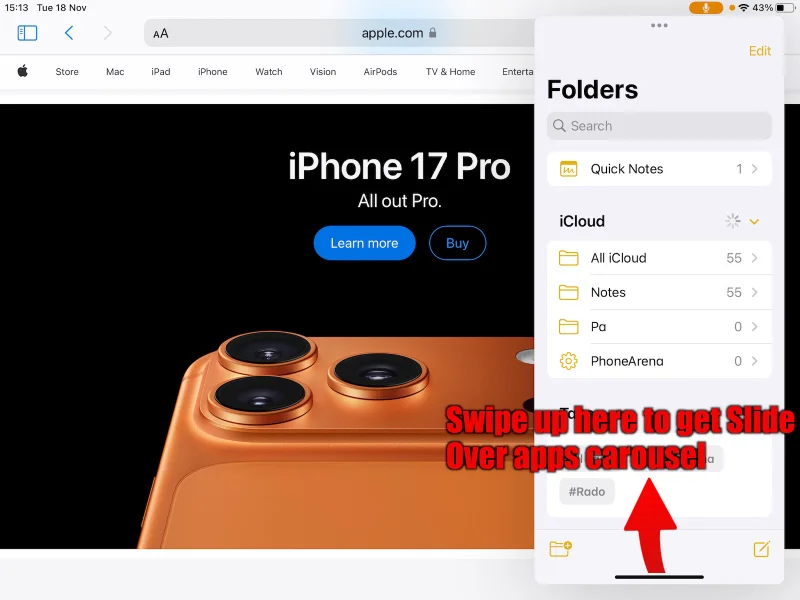
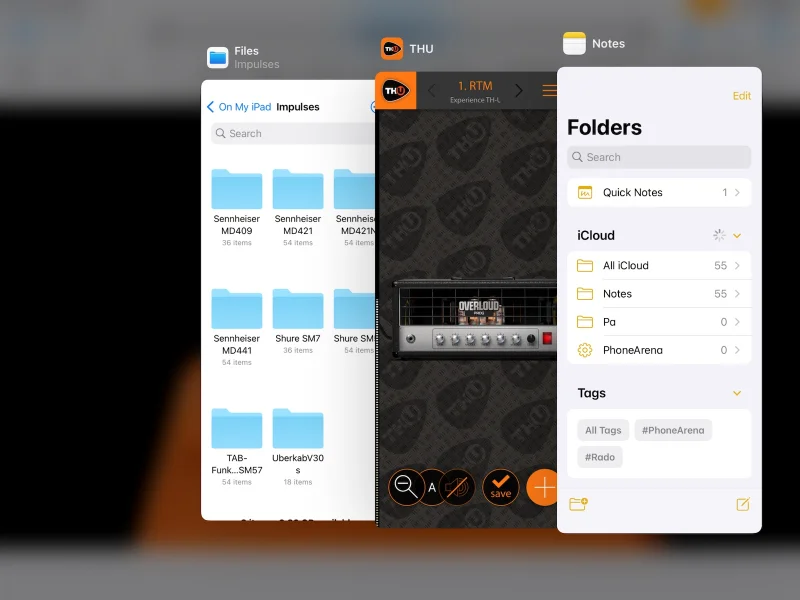
Many users have valued the simplicity of Slide Over and Split View — quick ways to watch a video while working on another app, or to reference notes while drafting an email. The transition to Windowed Apps blurs these straightforward gestures, complicating everyday multitasking.
Note: Promisingly, iPadOS 26.2 betas indicate that Apple is experimenting with bringing back the old Split View access method. Let's hope it returns in full glory and not as a watered-down compromise like Slide Over’s current state.
Why Has Stage Manager Survived?
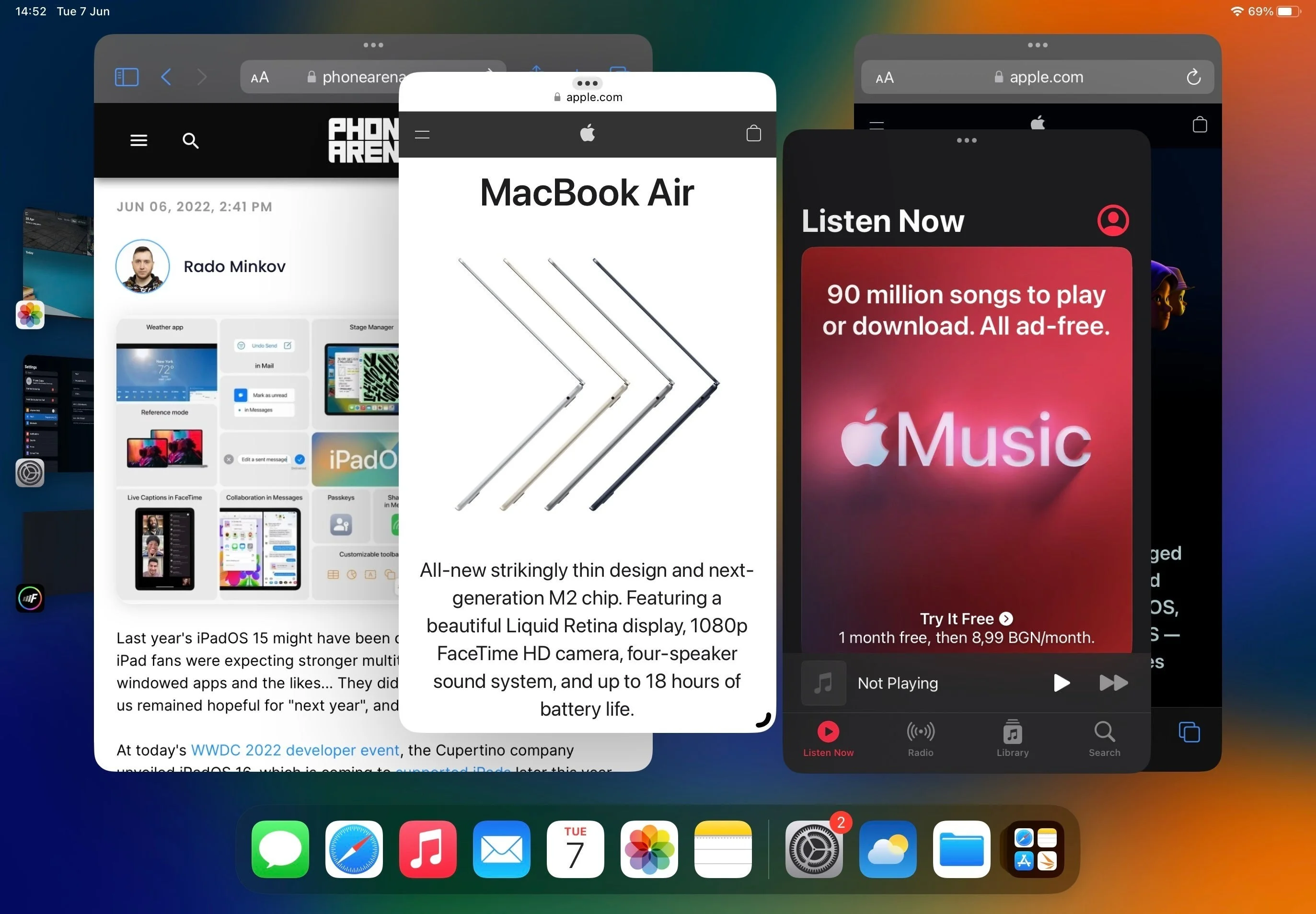
Image credit – Apple
Despite its many criticisms, Stage Manager remains part of the iPadOS landscape. It supports multiple instances of supported apps, yet the feature’s usefulness is limited. For example, opening multiple Safari windows doesn’t share browsing history or sessions, diluting the benefits of true multitasking.
An Ode to the Homescreen
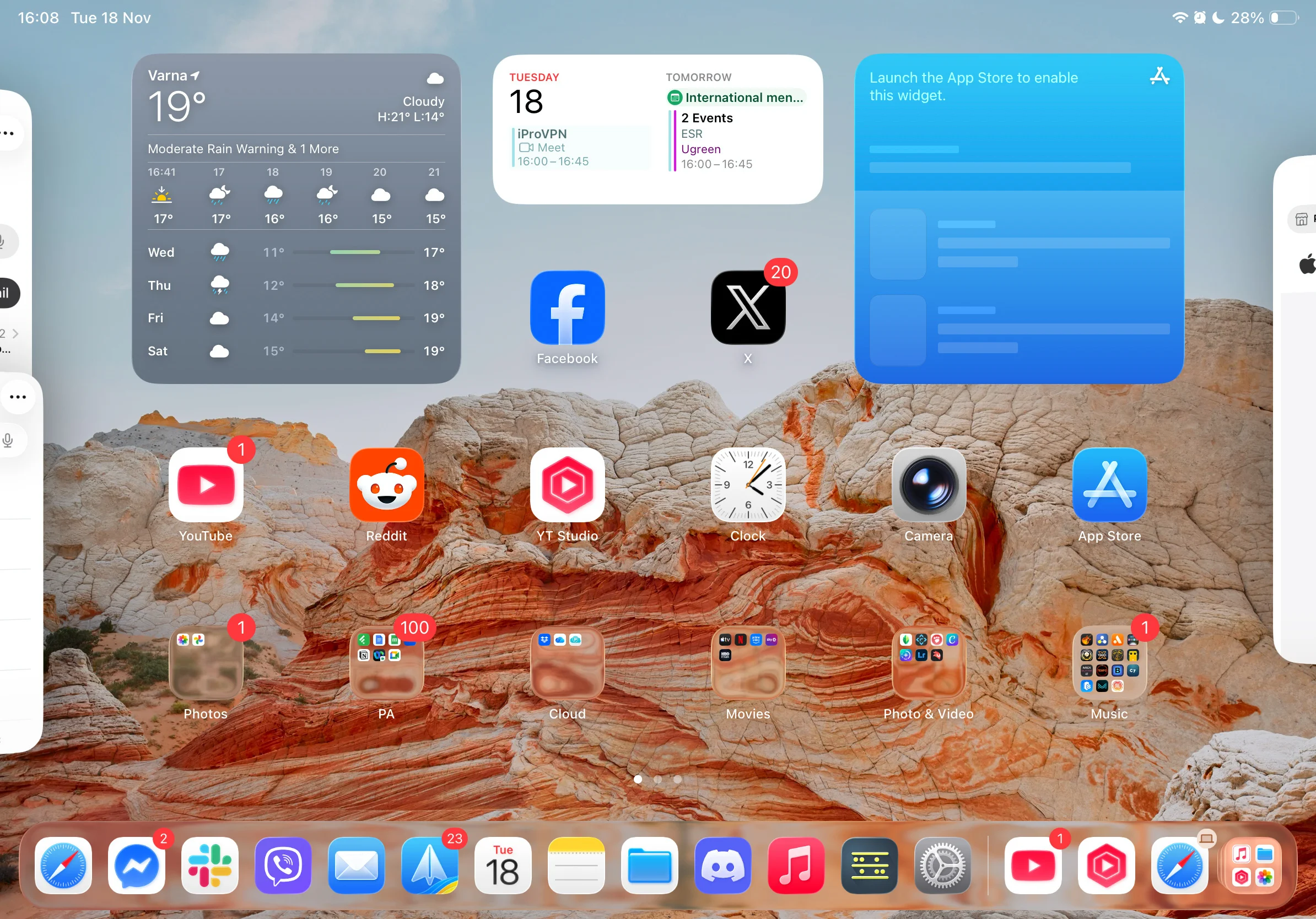
Apps patiently waiting off to the side, ready to be chosen
Even as Apple experiments with window systems and multitasking paradigms, the homescreen remains the grounding point — a familiar and reliable interface ready to welcome users back to what truly makes the iPad an intuitive device.




