Apple has released the latest iOS 26.2 Developer Beta 1, bringing some exciting new features to users. As an iPhone 13 Pro Max user, I have had the opportunity to explore and experience these new additions firsthand. From personalized lock screen options to enhanced podcast features and improvements in the Reminders app, iOS 26.2 is shaping up to be a significant update.
Personalized Lock Screen with Liquid Glass
The new update introduces a slider feature that allows users to adjust the intensity of the Liquid Glass effect on the lock screen clock. This customization option offers a range of possibilities, from completely opaque to translucent designs. Whether you prefer a subtle look or a bold statement, the Liquid Glass feature provides a unique touch to your device.
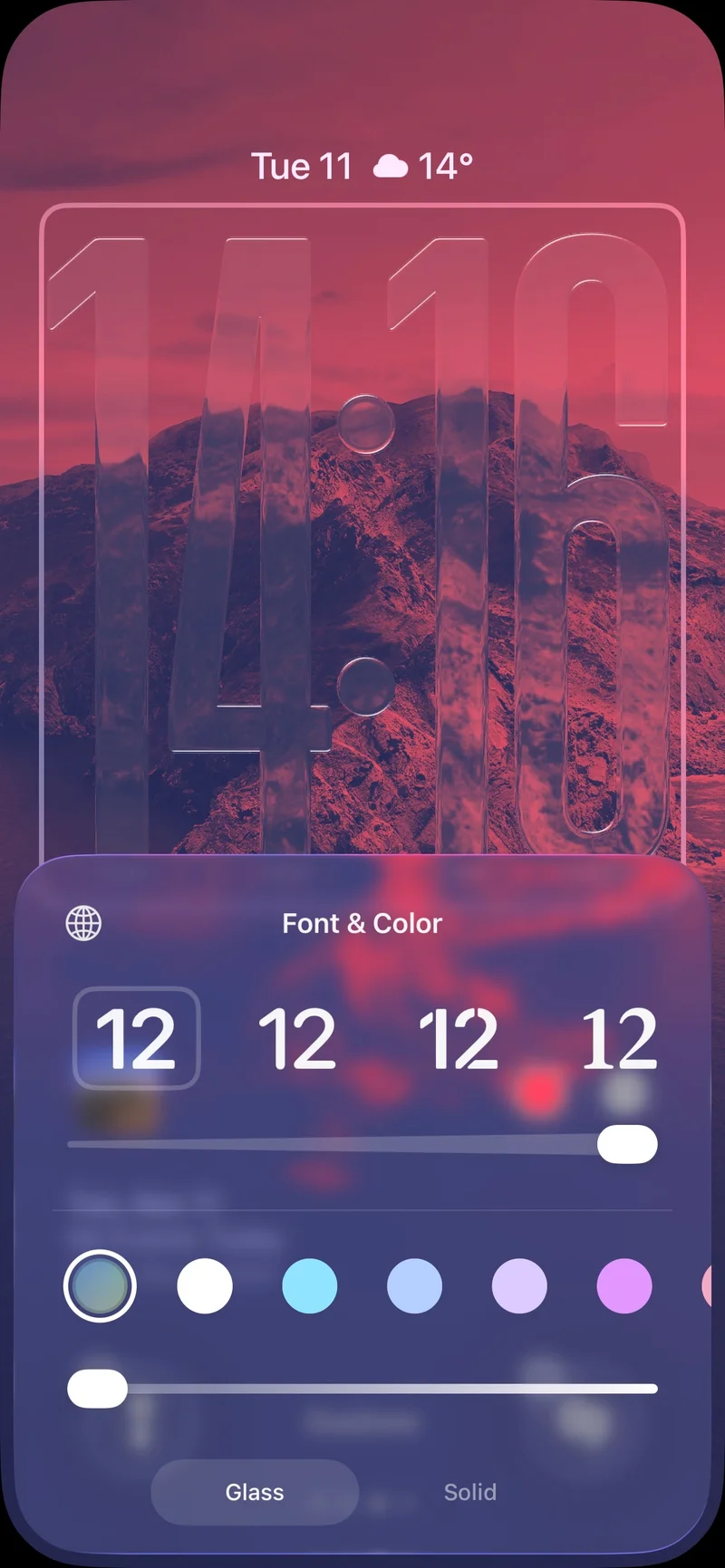
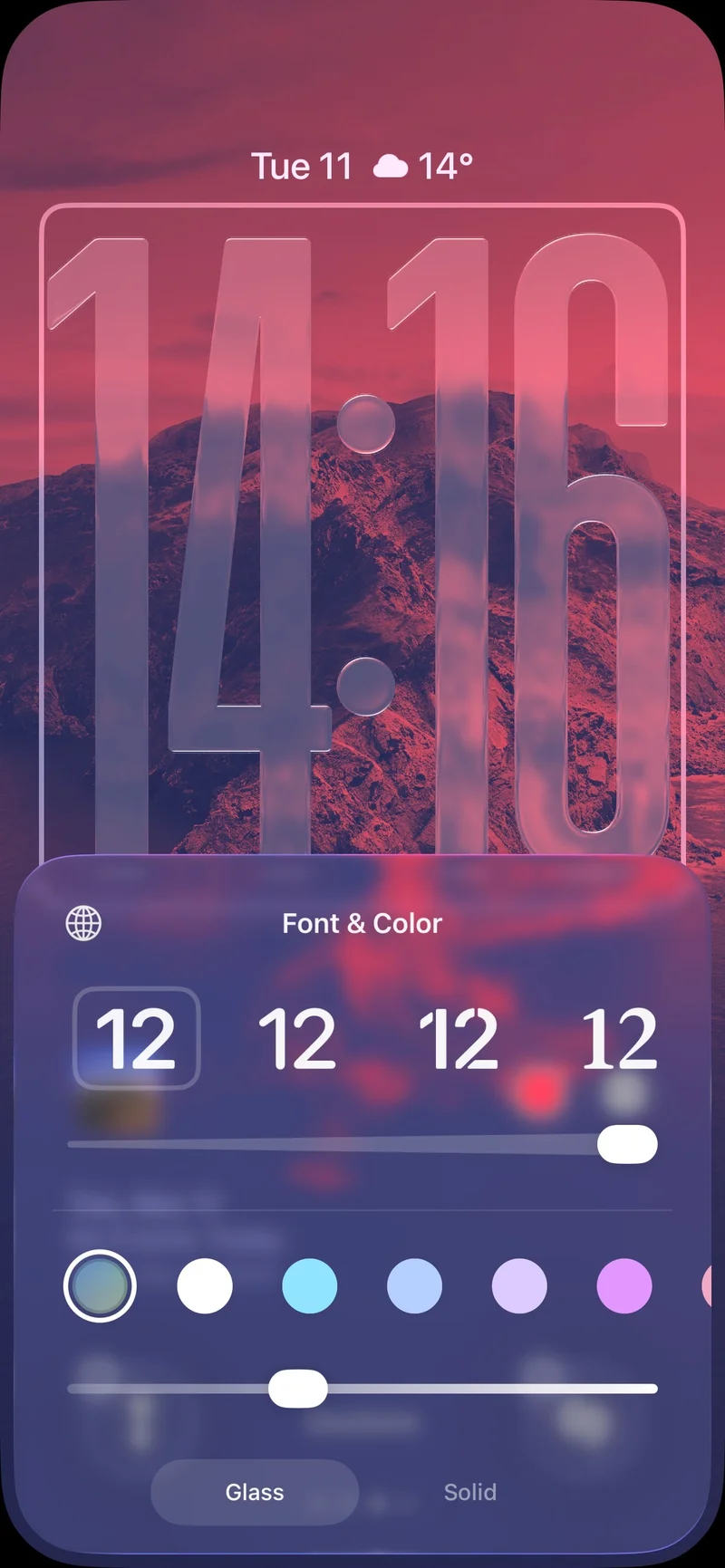
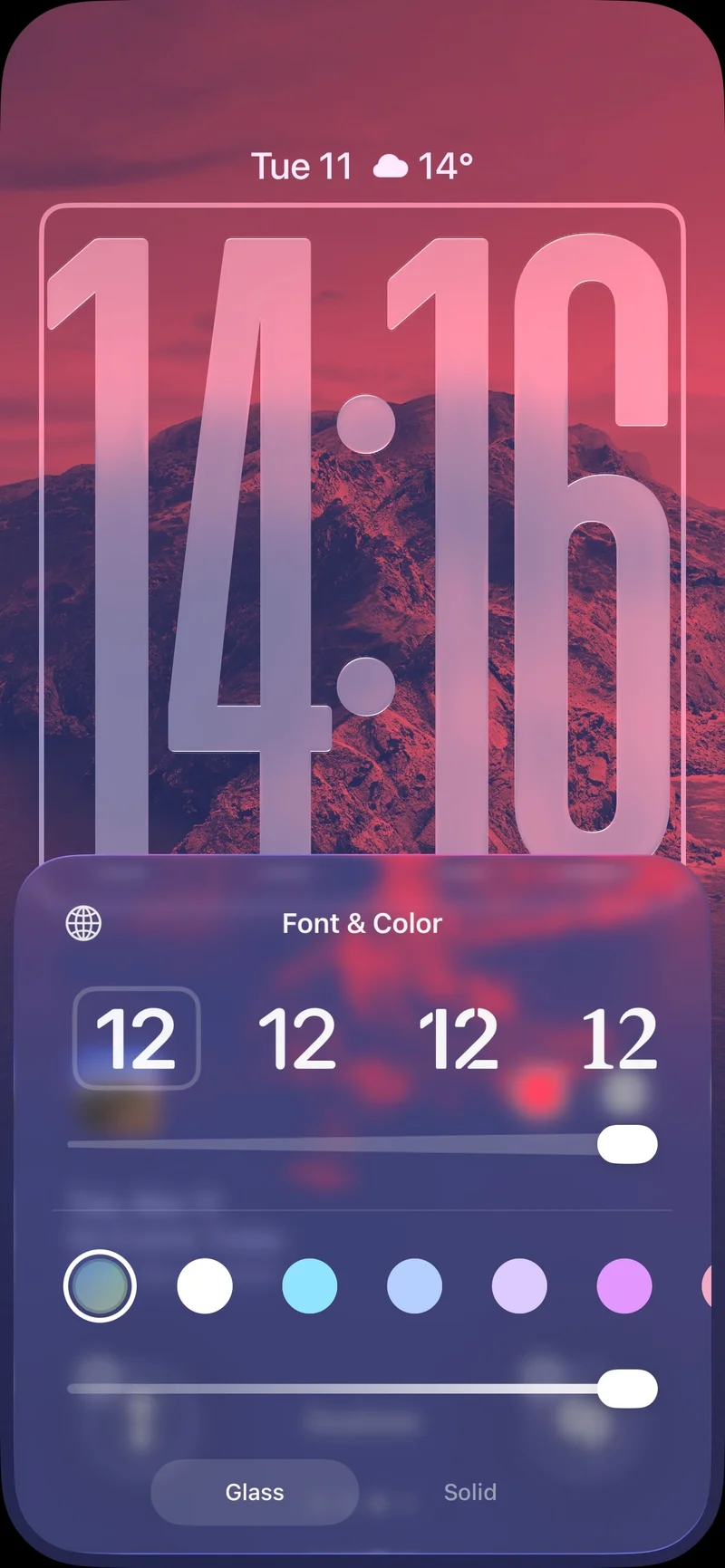
In addition to the customization options, users can choose to stick with a solid clock design if they prefer a more traditional look. The flexibility offered by Apple's design enhancements adds a new level of personalization to the user experience.
Enhanced Podcast Features
For avid podcast listeners, the improvements in the Apple Podcasts app are a game-changer. The app now automatically analyzes and organizes podcasts into logical chapters, making it easier to navigate and enjoy content. Moreover, a new transcription feature allows users to read along with the podcast and quickly jump to specific segments by tapping on the transcript.
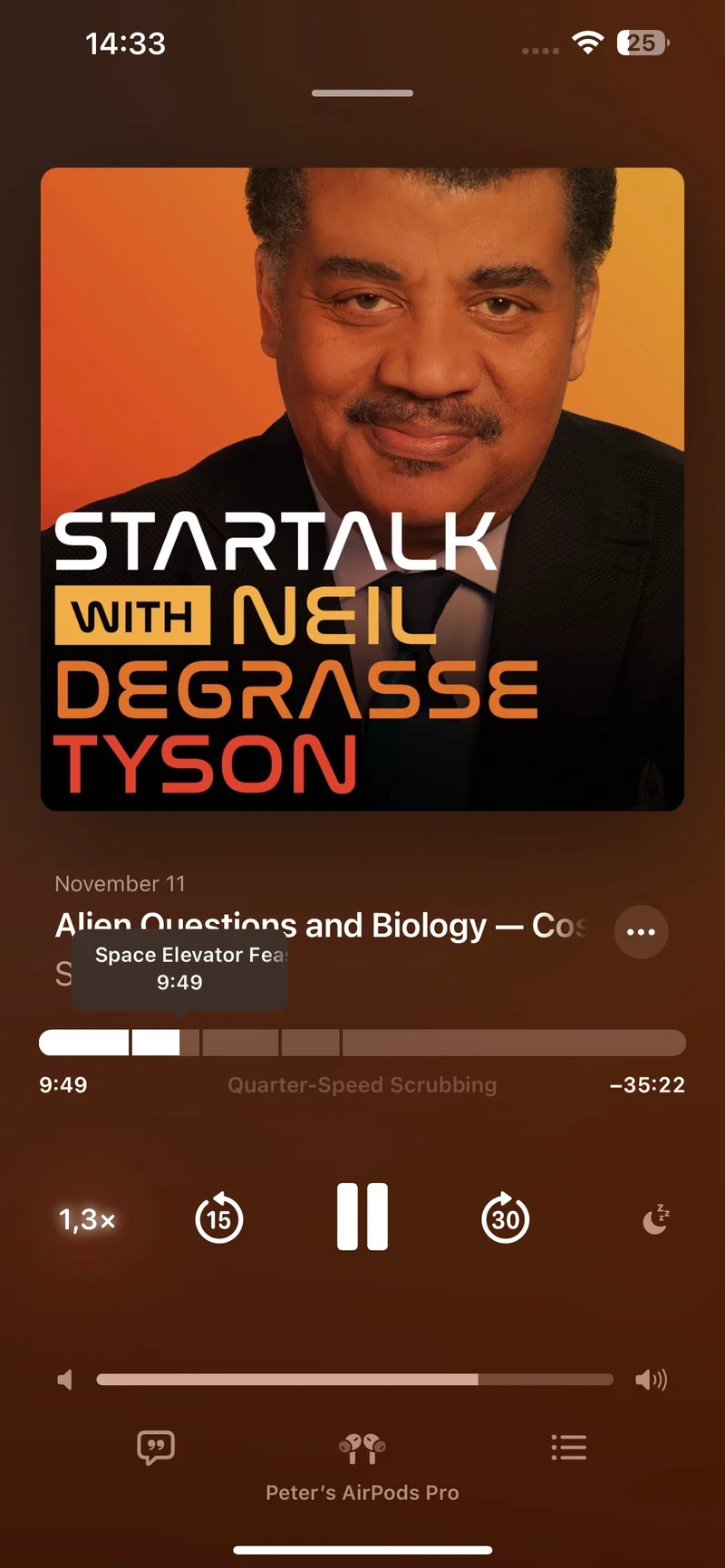
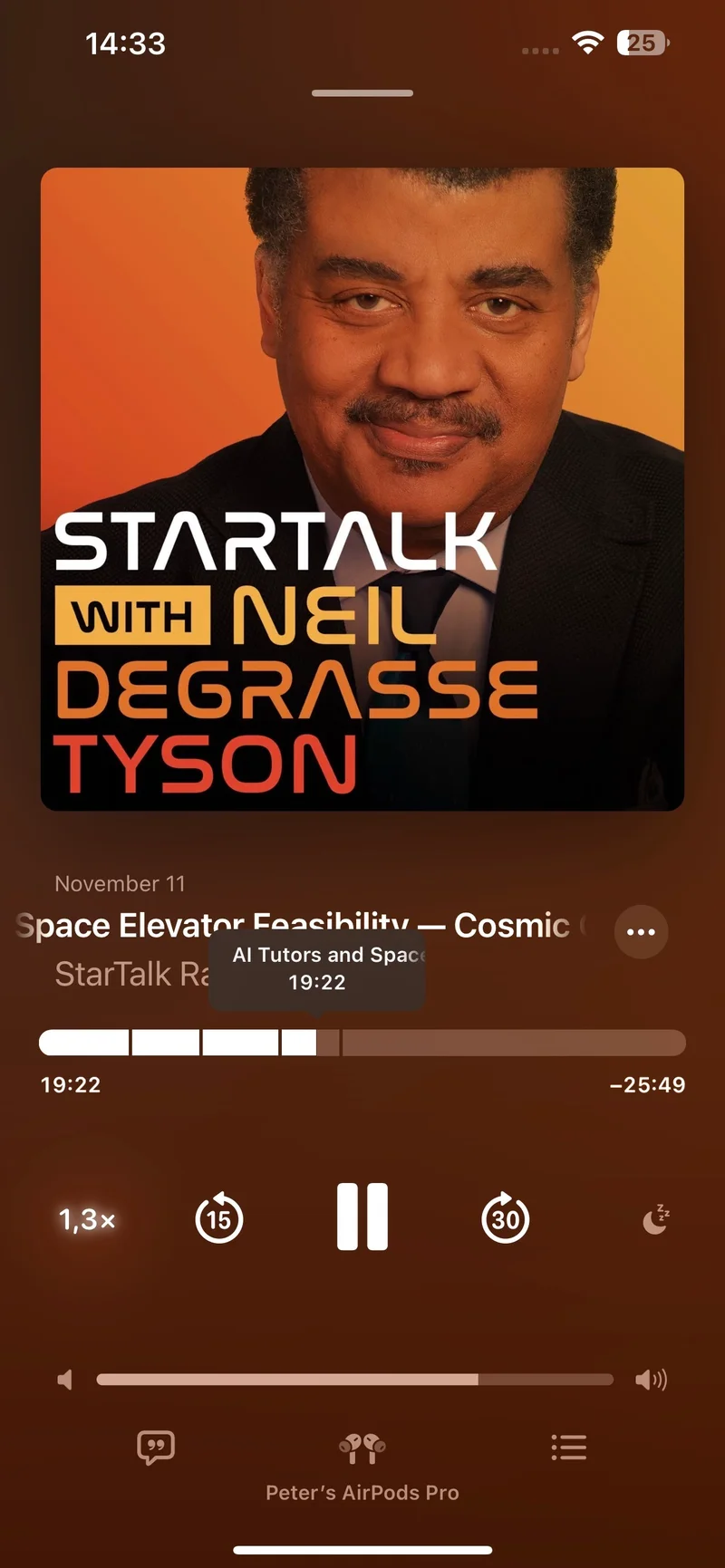
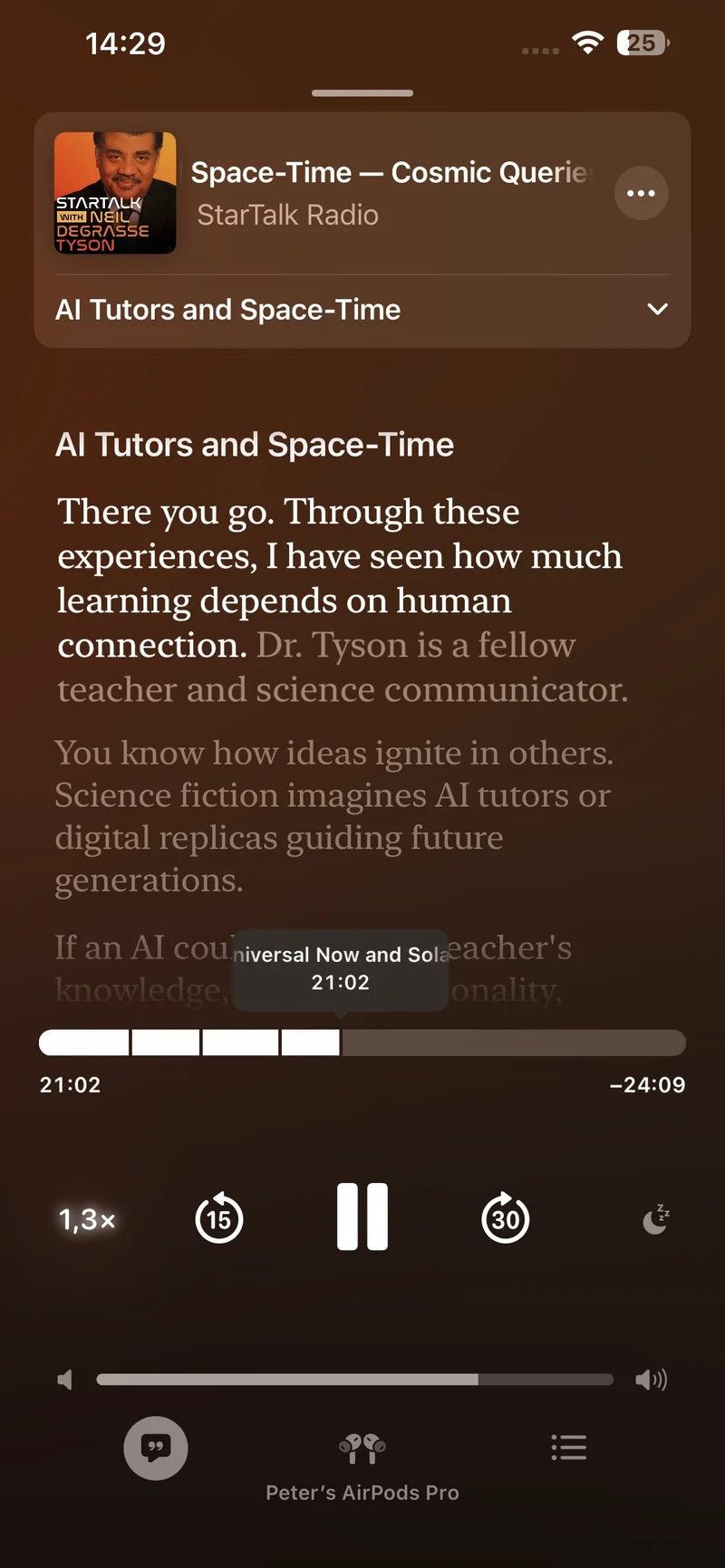
Furthermore, users can easily follow any links shared in the podcast, enhancing the overall listening experience. These new features aim to make podcast consumption more interactive and engaging for users.
Improved Reminders App Functionality
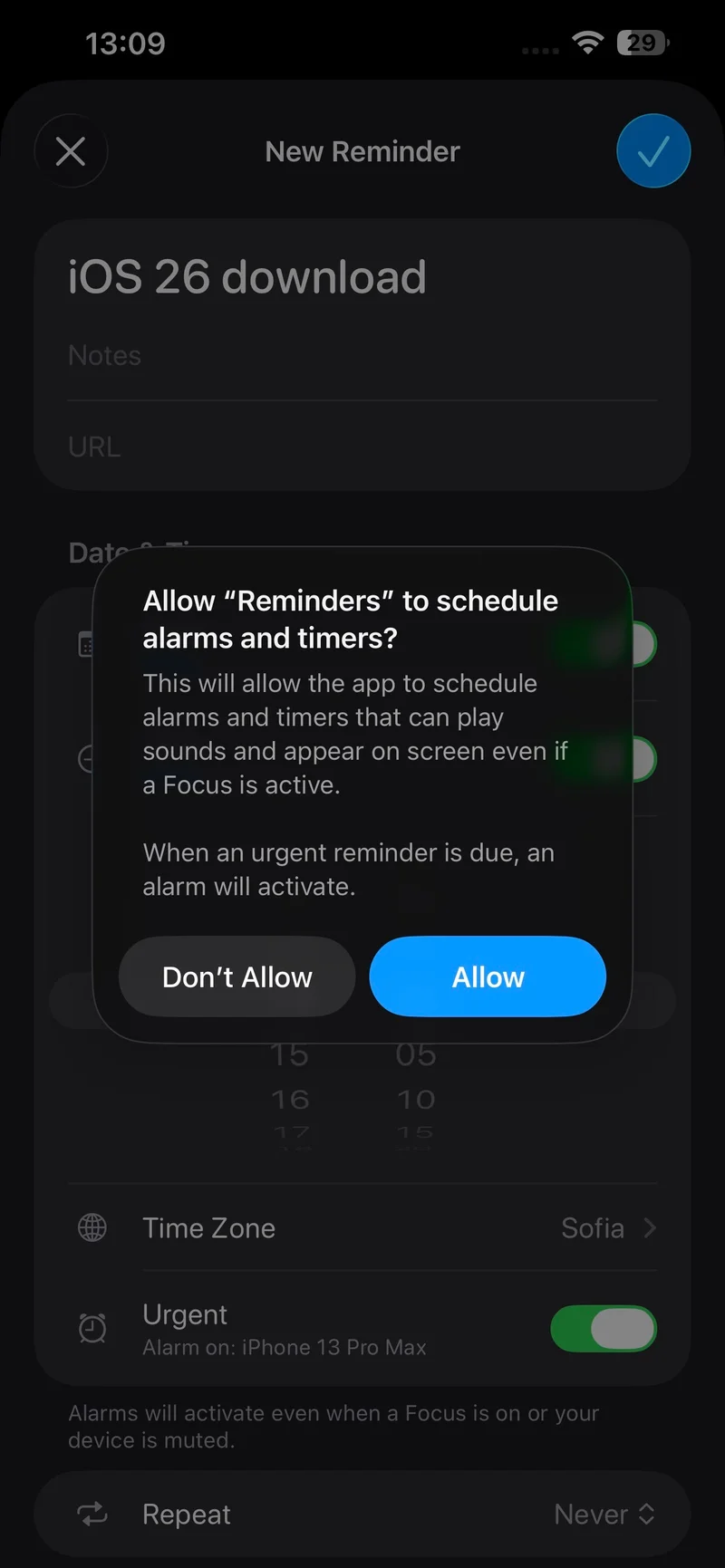
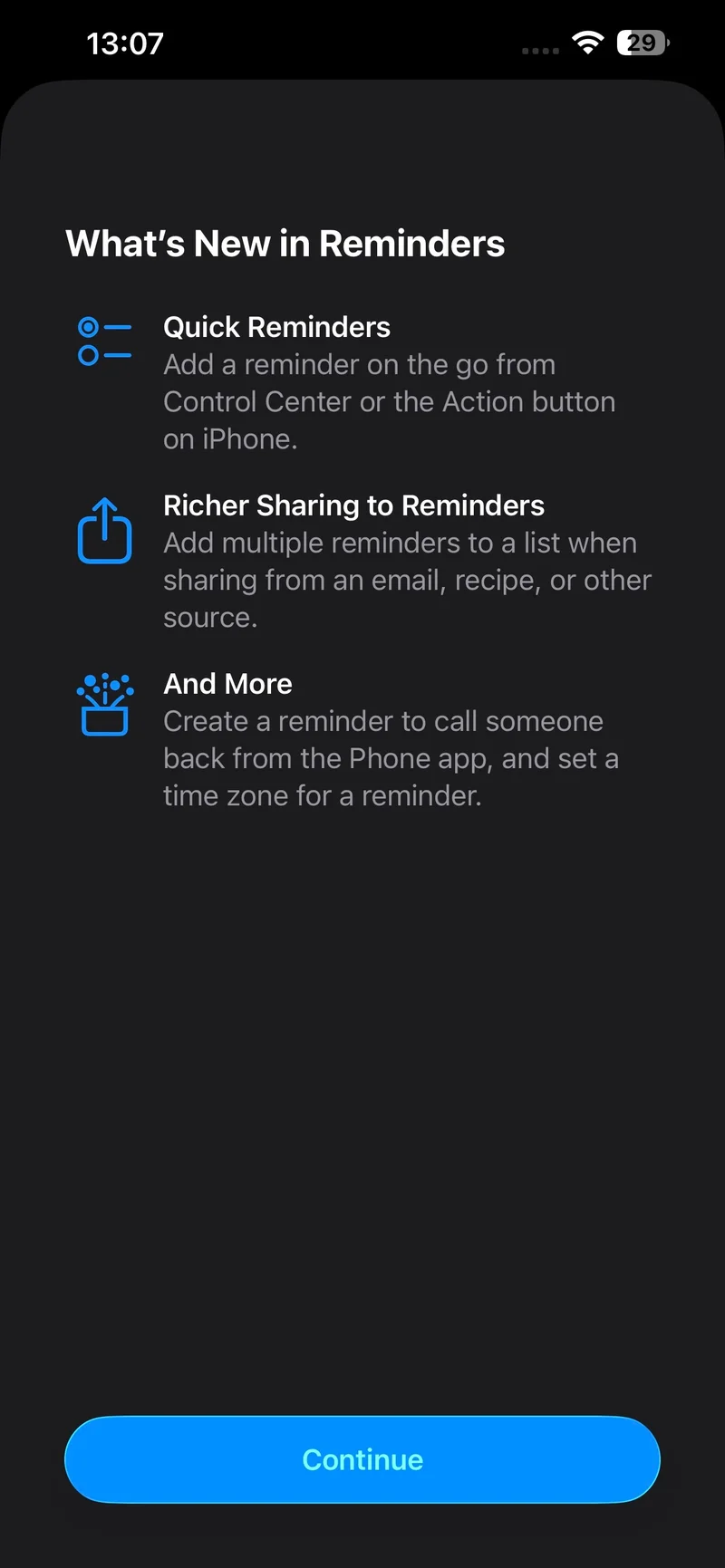
The Reminders app receives notable improvements in iOS 26.2, including the ability to create alarms directly from the app. This long-awaited feature simplifies the process of setting reminders and ensures that users never miss important tasks or appointments. Alarms created within the Reminders app can override Focus mode settings, providing a seamless reminder experience.
Enhanced Sleep Score Tracking
One of the standout features in iOS 26.2 is the revamped Sleep Score system for Apple Watch users. By evaluating factors such as sleep duration, bedtime, and interruptions, Apple now provides a more detailed assessment of sleep quality. The updated scoring system challenges users to strive for higher scores, encouraging better sleep habits and overall well-being.




