How the Feature Works
When Chrome detects websites that bombard users with notifications and have low interaction rates, it will automatically unsubscribe users from receiving notifications from those sites. Users can restore permissions by visiting the site or going to Settings > Safety Check. This feature aims to declutter notifications and provide a more streamlined browsing experience.
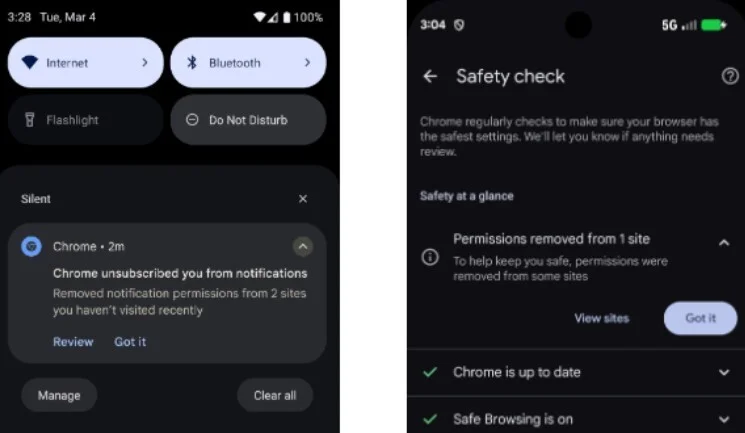
Chrome Browser will save you from notification overload. | Image credit-9to5Google
Enhanced Privacy and Security
Google's Safety Check feature also removes location and camera permissions from sites that users don't frequently visit. This helps protect users from potential privacy risks and malicious notifications that could lead to scams. Users can review and manage permissions in Chrome's Settings to ensure their browsing experience is secure.
Feedback and Future Updates
Users can provide feedback on this feature and suggest improvements to Chrome's notification management system. Google is constantly working to enhance user experience and ensure a more seamless browsing experience across devices. Stay tuned for updates on when this feature will be available on Chrome.




