Apple has officially launched the highly anticipated iPadOS 26 update, bringing significant enhancements to the iPad experience. This update transforms the way you multitask on your iPad, making it more akin to a traditional computer. Let's delve into the key features and improvements introduced by iPadOS 26.
iPadOS 26: A Major Leap Forward
Apple has unveiled iPadOS 26, marking a significant milestone in the evolution of the iPad platform. This update goes beyond cosmetic changes, revamping core aspects of the iPad interface and functionality. Here's a comprehensive look at the noteworthy additions in iPadOS 26:
Key Features of iPadOS 26
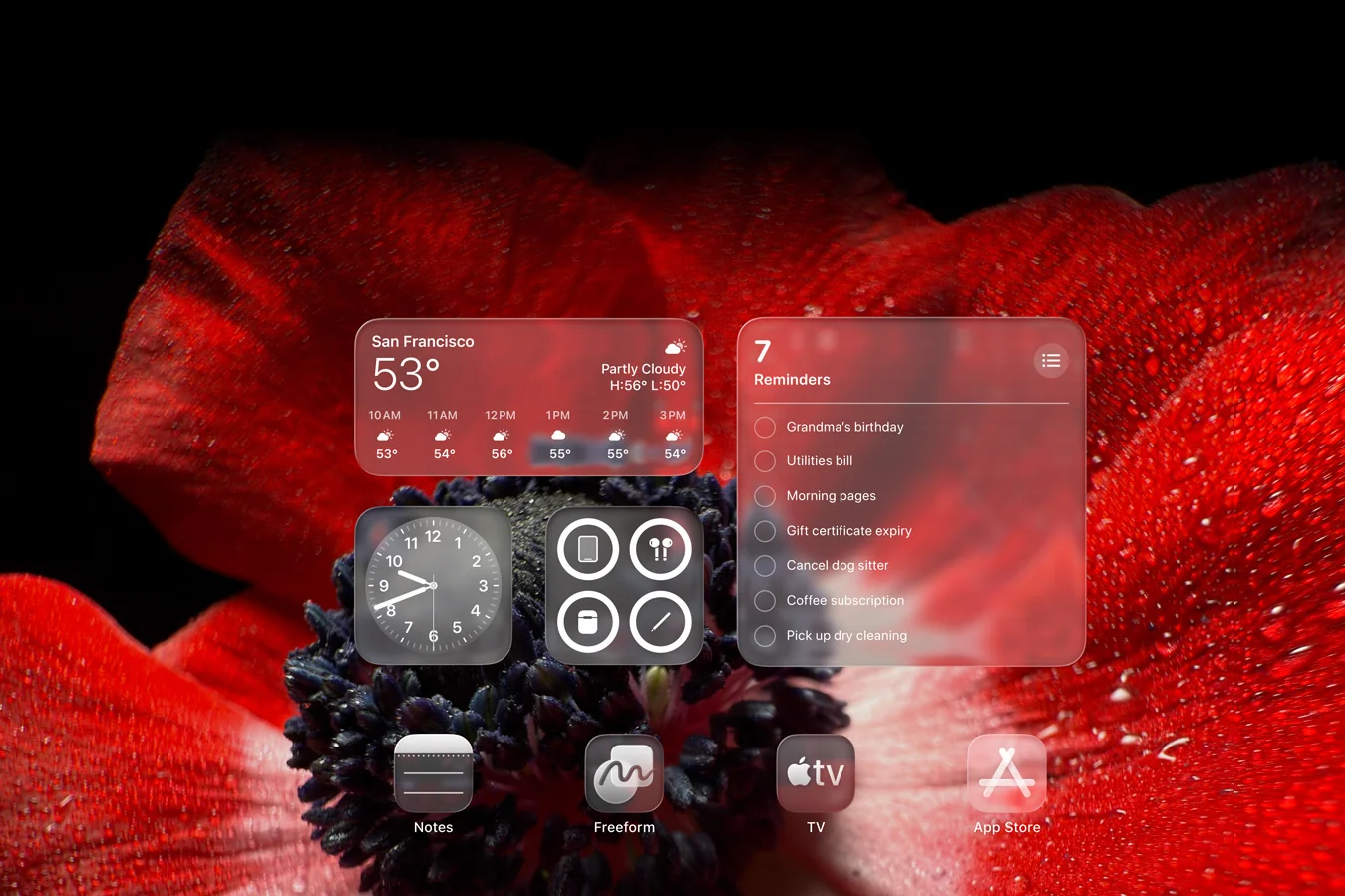
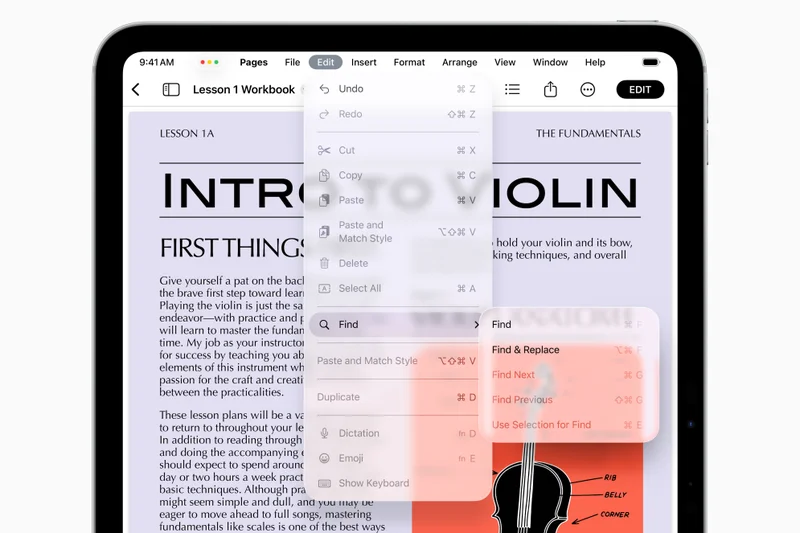
Enhanced Liquid Glass Design | Image credit — Apple
Refreshed Visuals and Personalization
- New Aesthetic: Liquid Glass: Bid farewell to the flat design as iPadOS 26 introduces a sleek, translucent look with reflective elements, aligning it closer to the Mac aesthetic.
- Customizable Lock Screen: Personalize your Lock Screen with photo wallpapers featuring 3D effects, varying fonts, and widgets for convenient information display.
- Updated Icons and Controls: Enjoy revamped app icons and system buttons in alignment with the Liquid Glass theme, boasting new tints and a polished finish.
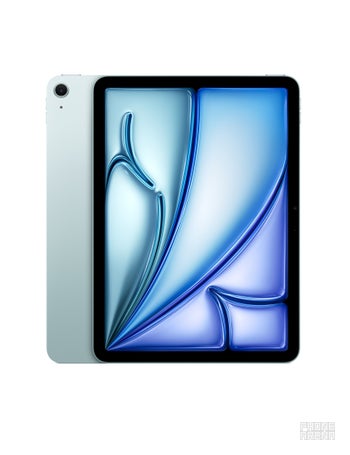
Gain a 19% Discount on the 11-inch iPad Air M2 at Amazon
$170 off (19%)
Amazon is currently offering an exclusive deal on the 512GB model of the 2024-released iPad Air M2 in Blue, with a 19% discount saving you $170.
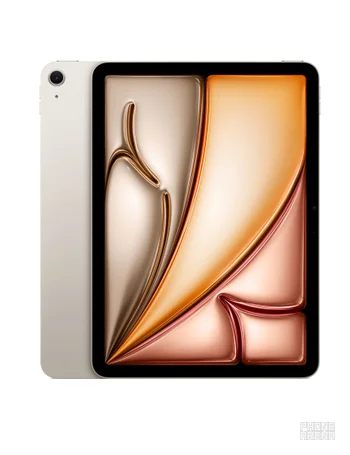
Save $200 on the 13-inch iPad Air M2 at Amazon
$200 off (15%)
Get a remarkable discount on the 13-inch iPad Air M2, delivering exceptional performance and an immersive screen experience. Save $200 on the 1TB model in Purple.
Revolutionary Multitasking Capabilities
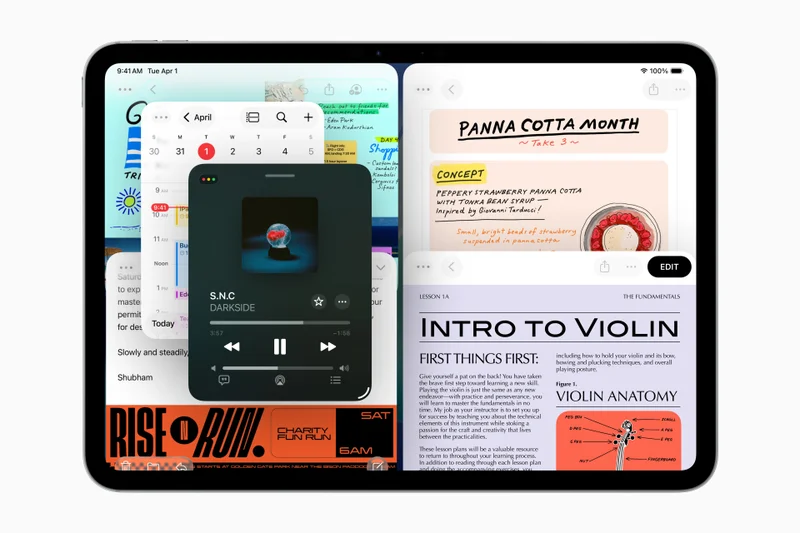
- Mac-like Windows Management: Say goodbye to cumbersome Split View and Slide Over as iPadOS 26 embraces a flexible windowing system for effortless resizing, stacking, and app navigation.
- Floating Windows with Familiar Controls: Enjoy the convenience of Mac-inspired "stoplight" buttons on app windows, streamlining layout management.
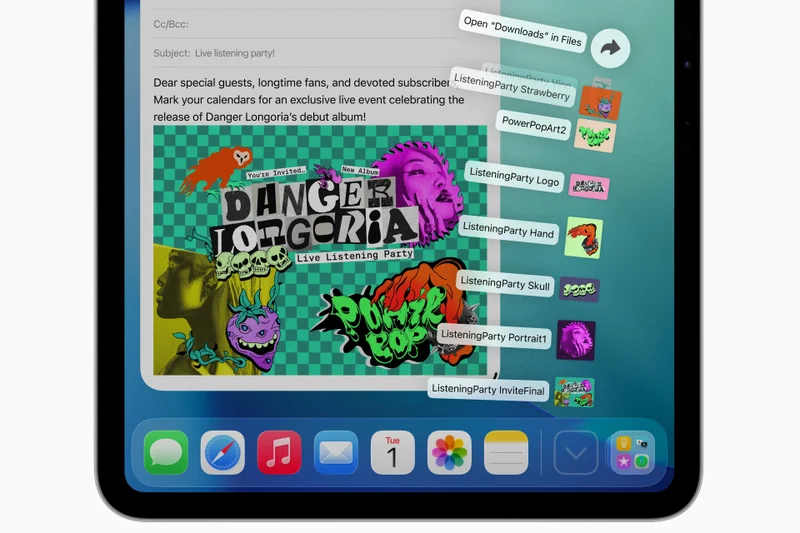
- Enhanced Files App: Experience a more robust Files app with colored folders, adjustable columns, and the ability to specify default apps for specific file types.
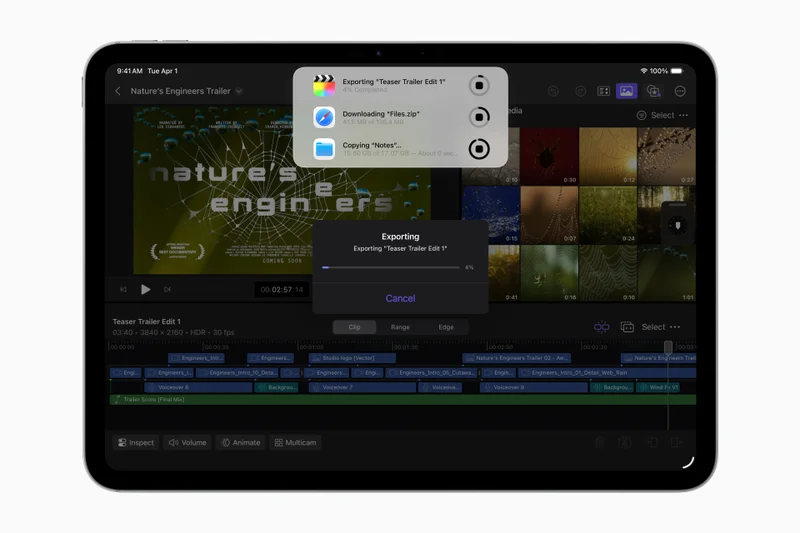
- Background Task Support: Engage in uninterrupted multitasking with real background task capabilities, allowing tasks like video exports or downloads to run while using other apps.
New Applications and Enhanced Connectivity
- Dedicated Phone App: Make and receive calls directly on your iPad with the new Phone app, eliminating the need for workarounds.
- Introducing the Journal App: The popular memory-logging app from iPhone now makes its way to the iPad, optimized for the larger screen estate.
- Centralized Games App: Organize and discover your games conveniently with a centralized Games app, featuring a Game Overlay for quick access to settings during gameplay.
- Advanced Preview App: Enjoy a powerful Preview app tailored for viewing and annotating PDFs and images with precision using the Apple Pencil, catering to students and professionals.
- Enhanced Audio Control: Choose the microphone app preferences and leverage Voice Isolation for clearer audio during calls or recordings, nullifying background noise.
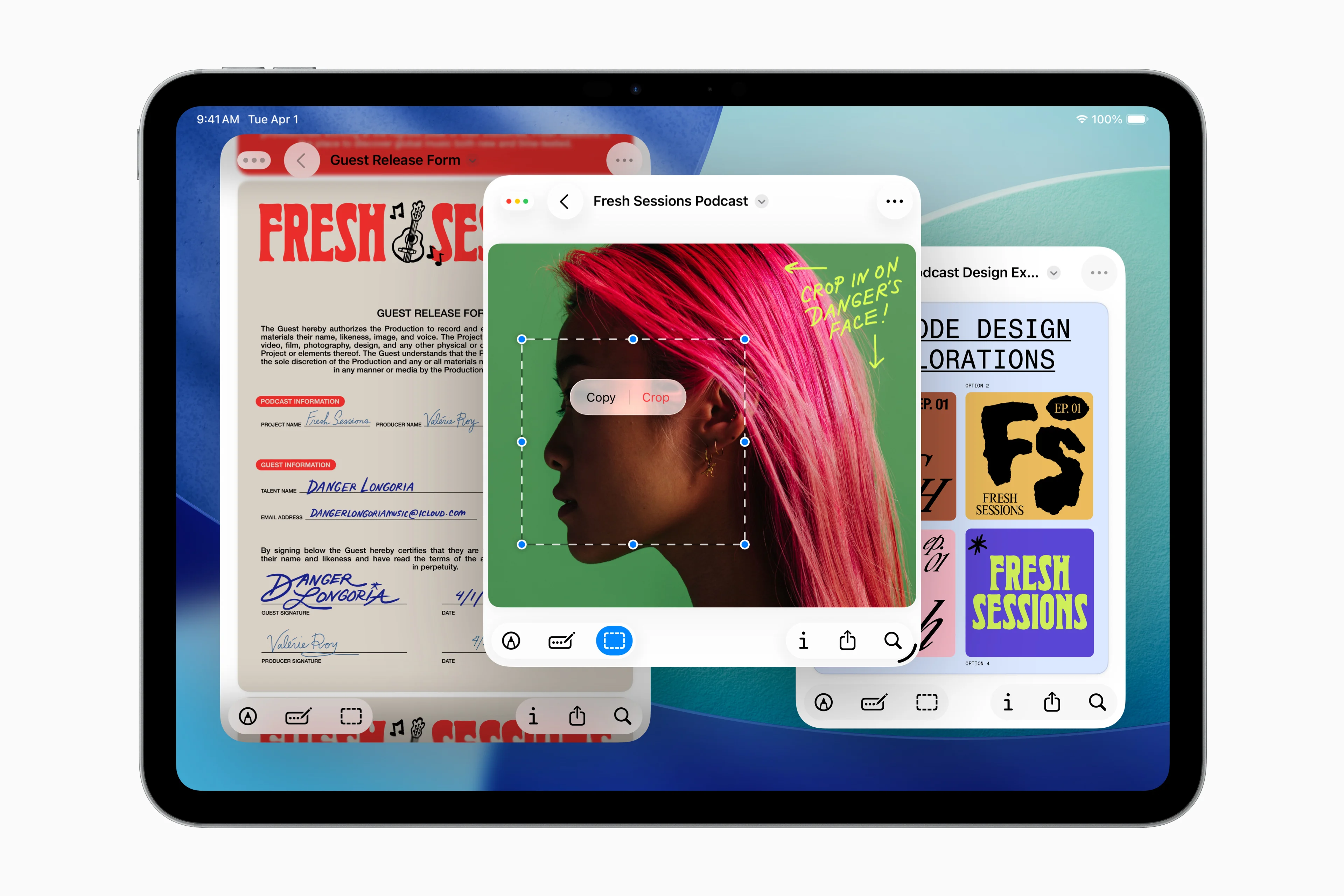
The Brand-New Preview App on iPadOS 26 | Image credit — Apple
Apple Pencil and Note-Taking Enhancements
- Innovative "Reed Pen" Tool: Unleash your creativity with the new tool for artists and calligraphers in apps like Notes, offering a traditional and stylish writing experience.
- Smart Script Technology: Experience smarter handwriting with "Smart Script," a feature that refines messy handwriting in real-time, enabling seamless editing and manipulation akin to typed text.
Under-the-Hood Enhancements
- Device Compatibility: iPadOS 26 necessitates an Apple Neural Engine for operation, restricting older iPad models from receiving the update. Here is a list of supported models:
- iPad Pro (M4)
- iPad Pro 12.9‑inch (3rd generation and later)
- iPad Pro 11‑inch (1st generation and later)
- iPad Air (M3)
- iPad Air (M2)
- iPad Air (3rd generation and later)
- iPad (A16)
- iPad (8th generation and later)
- iPad mini (A17 Pro)
- iPad mini (5th generation and later)
- Improved Cursor Functionality: The on-screen cursor now mirrors Mac behavior, and a handy shake-to-enlarge feature aids in locating the cursor swiftly.
Elevating the iPad Experience for Enhanced Productivity
- Anticipated Next iPad Update Could Bridge the Gap to a Touchscreen MacBook
- iPadOS 26 Opts to Discontinue Two Classic Features – Impact on User Experience

Embark on a journey through the evolution of iconic phones with the upcoming book "Iconic Phones: Revolution at Your Fingertips.” Explore the stories behind over 20 legendary phones, celebrating the technological innovations that shaped the mobile industry. Sign up now for exclusive early bird discounts!
"Iconic Phones: Revolution at Your Fingertips" is a must-have for tech enthusiasts, chronicling the most iconic devices with captivating illustrations and insights. Secure your early bird discount by signing up today!




