Google has wasted no time in rolling out Android 16 QPR1 Beta 2, hot on the heels of the stable version release. This beta version introduces several new features, with a focus on enhancing Android's desktop mode.
For Pixel users, the ability to test out what's coming in the official September launch of Android 16 is now possible with this beta release. The new beta includes improved desktop features, multitasking tools, bug fixes, and compatibility improvements for external displays.
Early Look at Android Desktop Features
The preview of Android's improved desktop mode in this beta release allows for an enhanced user experience when connecting Pixel devices to external displays. Users can now enjoy resizable windows, side-by-side app placement, and a dedicated taskbar for pinned and active apps.
 Receive the latest Android news by subscribing to our updates.
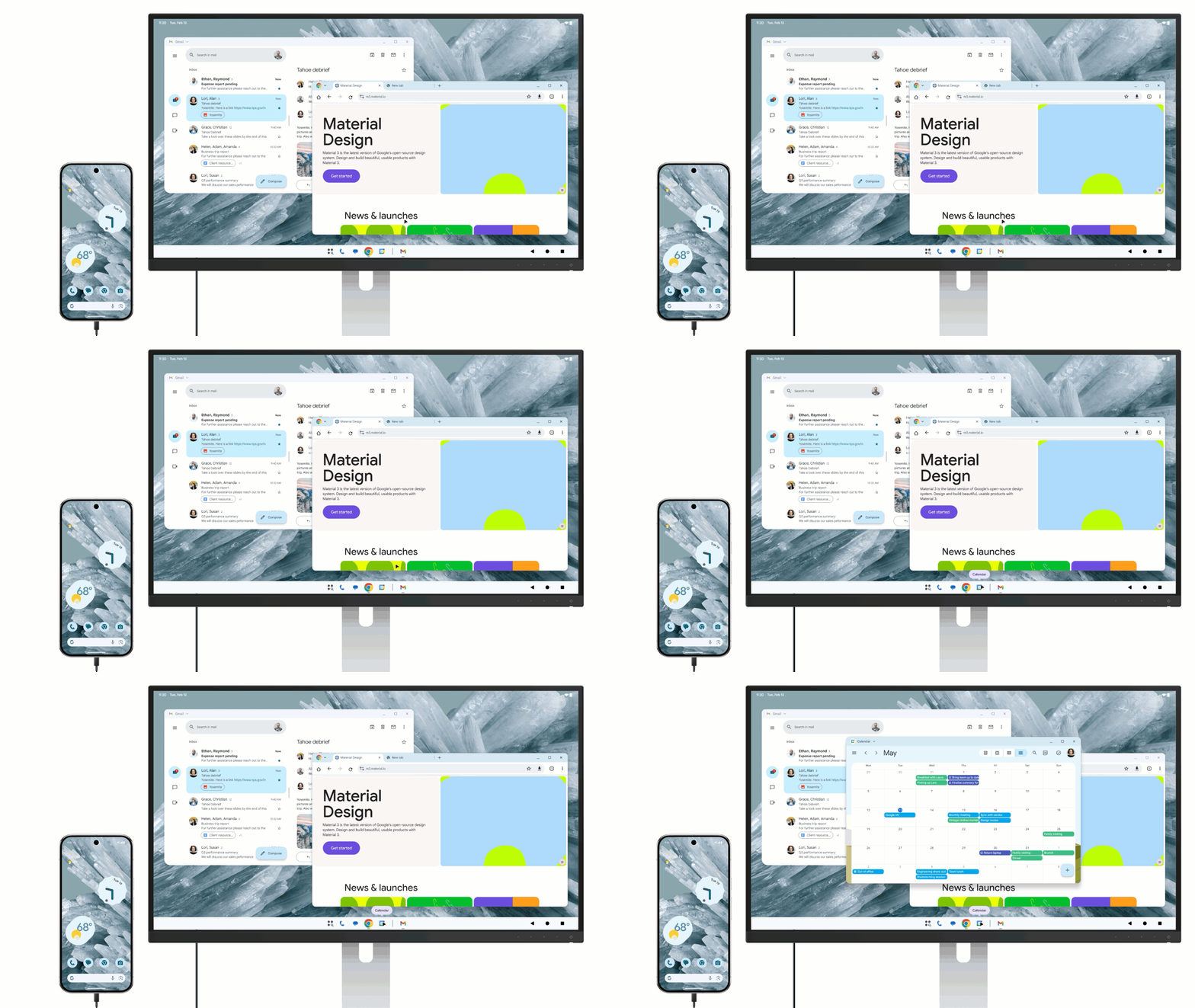 Phone connected to an external display. Image credit – Google
For Pixel Tablet users, the desktop session can stretch across both screens, offering a seamless workspace experience. The update also includes new multitasking tools and improvements to last year's windowing features.
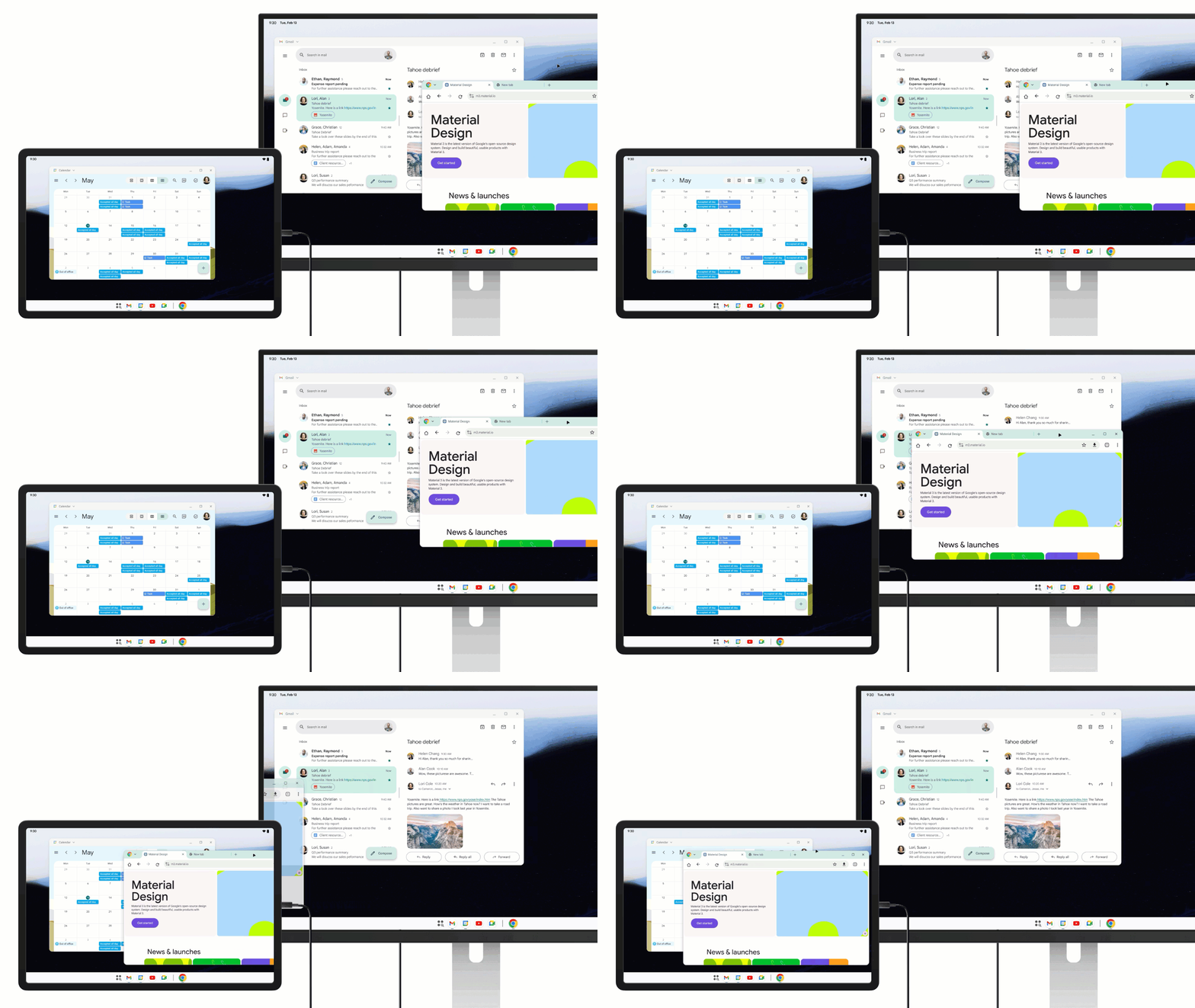 Tablet connected to an external display. Image credit – Google
More Desktop Multitasking Tools
Google's latest updates to windowing features in Android 16 QPR1 Beta 2 include the ability to save window size and position, support for multiple desktop sessions, flexible window tiling, multi-window support for select apps, and improved compatibility for legacy apps on external monitors.
Bug Fixes and Device Availability
Additionally, this beta release addresses various issues from the previous beta version, such as auto dark theme malfunction and app launch errors. The update is available for a range of Pixel devices and includes the June 2025 security patch.



