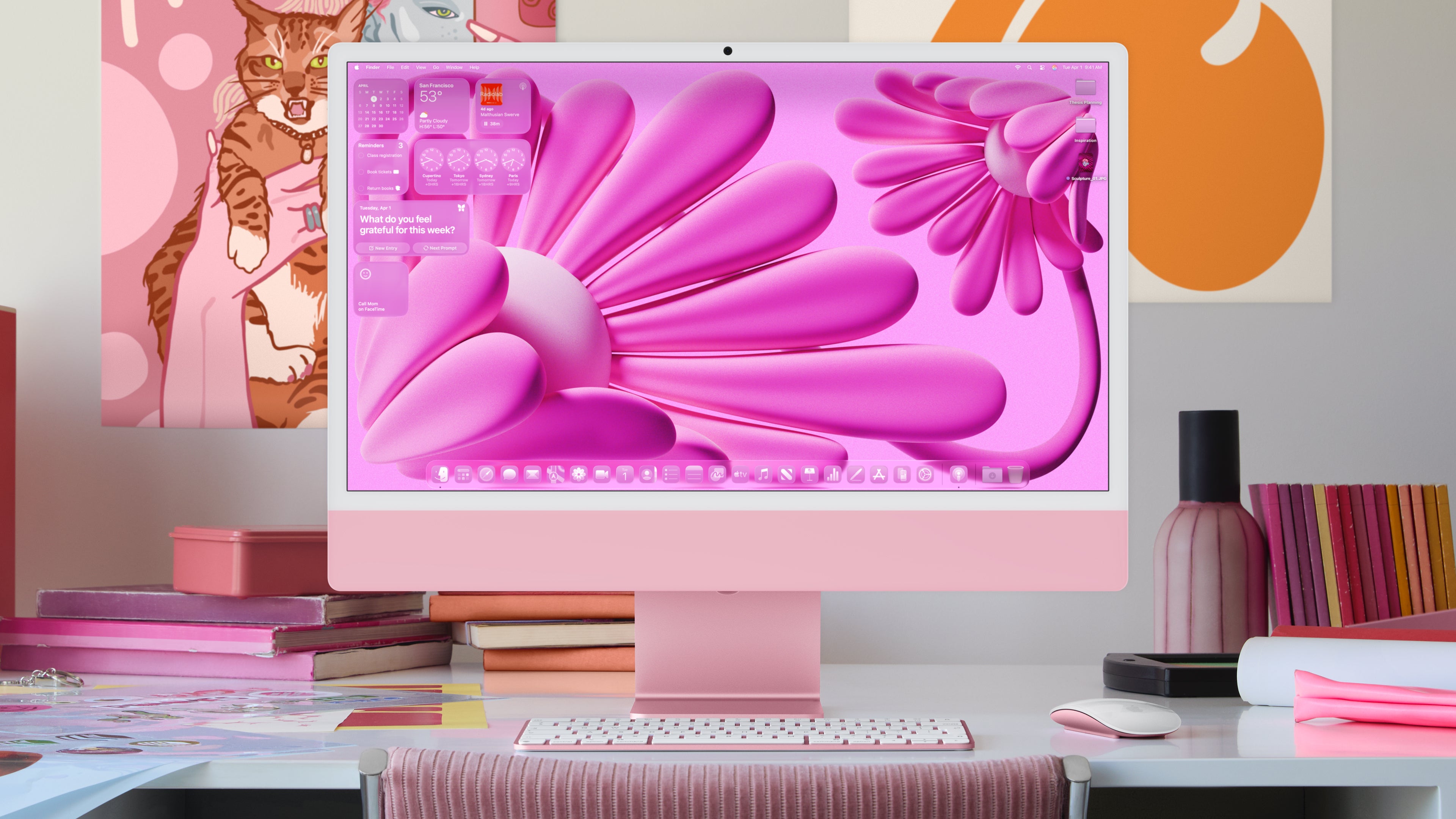
macOS 26 introduces a fresh new look to the Mac interface, with updates to the Dock, sidebars, and toolbars. The design changes aim to enhance the user experience and focus on content. The menu bar now features full transparency, creating a more immersive screen experience.
Expect a more unified feel across devices with macOS 26, as Apple brings a glass-like aesthetic to buttons, menus, and UI elements. The adaptive design elements ensure a seamless experience on different Mac models.
Customize your Mac to suit your style. | Image credit – Apple
Experience the new adaptive design in macOS 26. | Image credit – Apple
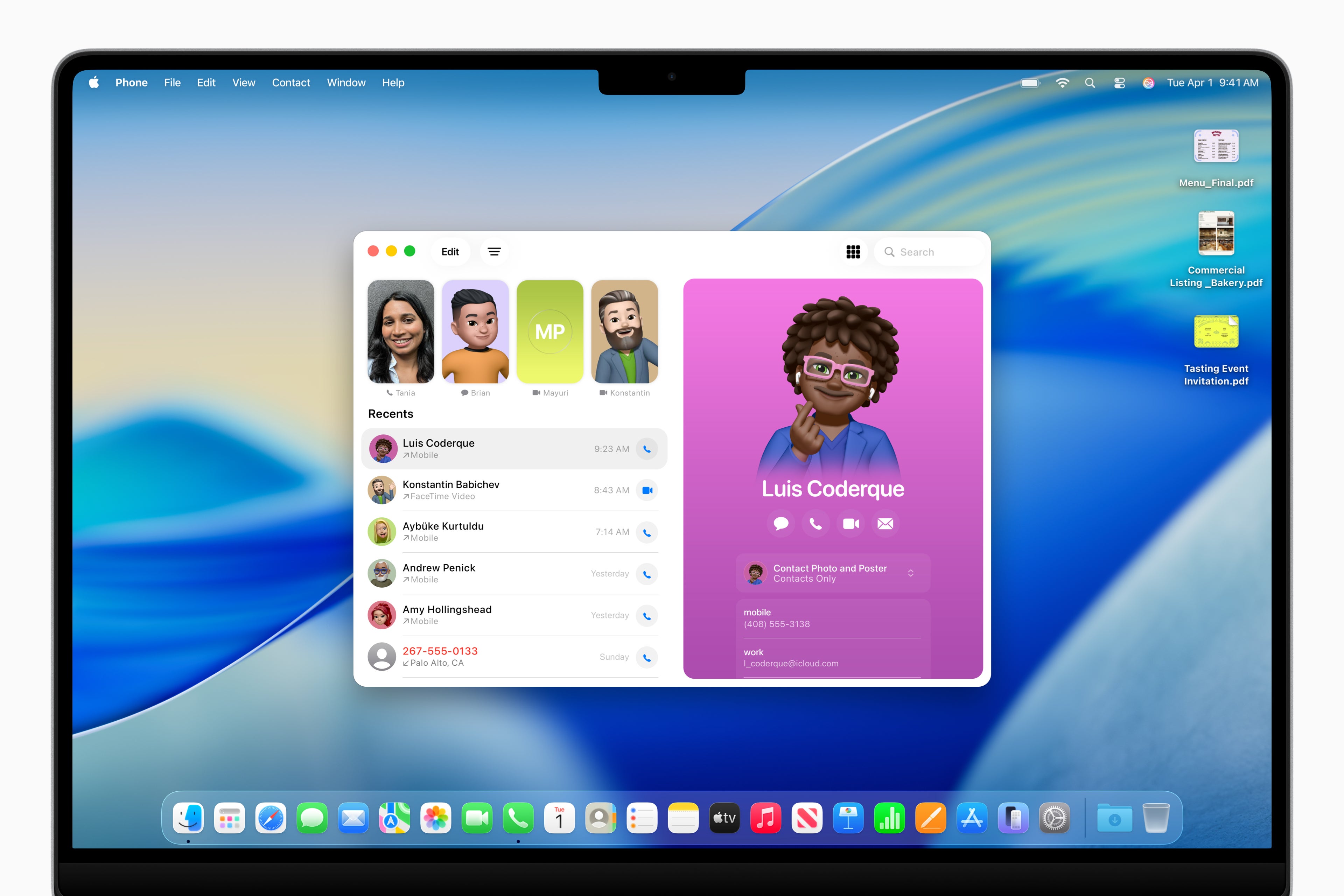
Aside from the visual changes, macOS 26 comes with exciting new features and apps to enhance productivity and user experience. One notable addition is the integration of the Phone app on Mac, allowing users to manage cellular calls from their nearby iPhone seamlessly. Features like Call Screening and Hold Assist improve call management and productivity for Mac users.
Seamlessly handle calls on your Mac with the Phone app. | Image credit – Apple
The update also introduces real-time updates on the Mac through Live Activities from nearby iPhones. This feature displays relevant information in the Mac menu bar, such as Uber arrivals, flight statuses, or game scores, providing users with quick access to important updates.
Enhance your search experience with Spotlight. | Image credit – Apple
In addition to these features, macOS Tahoe 26 brings quality-of-life updates to the Mac lineup, including improvements to Safari, Messages, Photos, FaceTime, Notes, Accessibility features, and Passwords. From a visually refreshed Safari browser to a redesigned Messages app with new features like Backgrounds and Polls, users can expect a more integrated and smarter experience on their macOS devices.