Apple made a big announcement at WWDC 25 by introducing iPadOS 26, which comes with major improvements in multitasking capabilities, visual design, and AI features. From enhanced app window management to macOS-inspired design elements, the new iPadOS has a lot to offer.
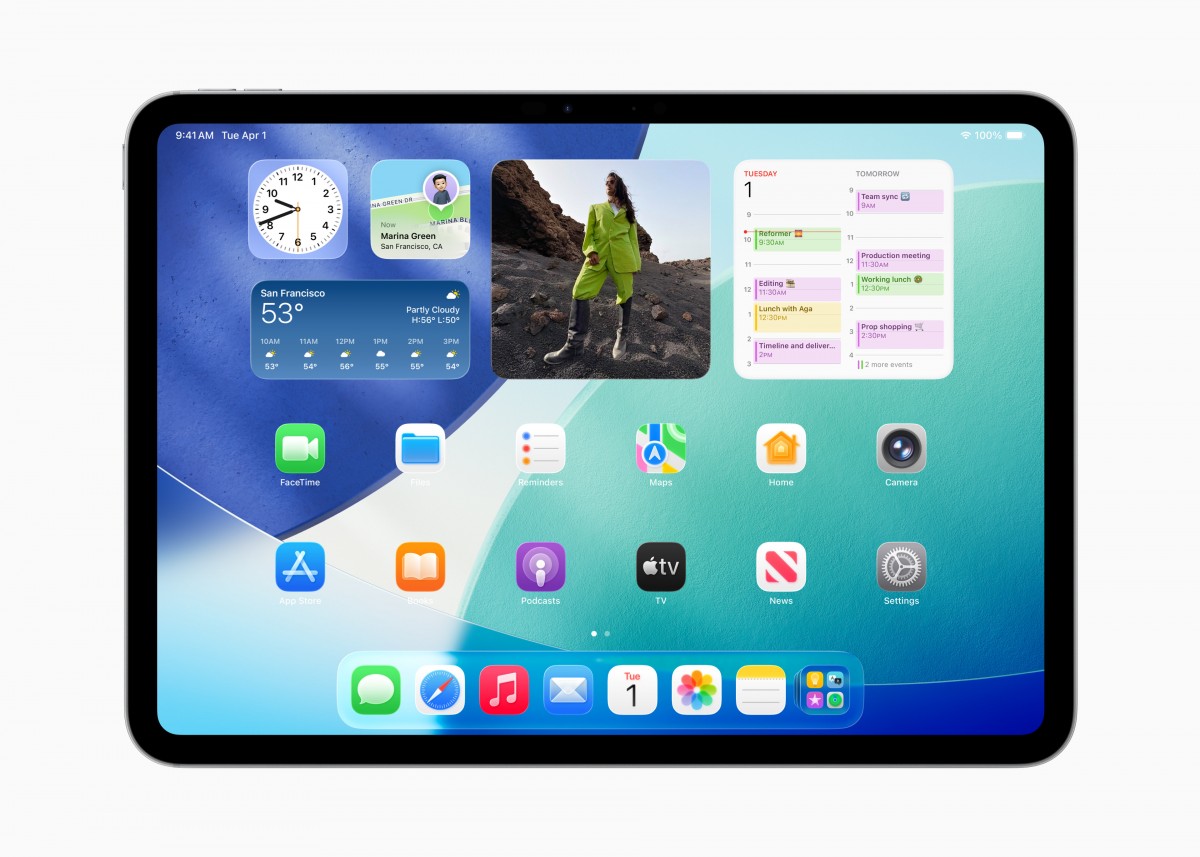
One of the key highlights of iPadOS 26 is the revamped multitasking abilities. Users can now easily manage multiple apps by minimizing, resizing, and tiling them with just a swipe. The Expose feature from macOS allows users to view all open windows at a glance, while the Stage Manager enables grouping windows into separate stages.
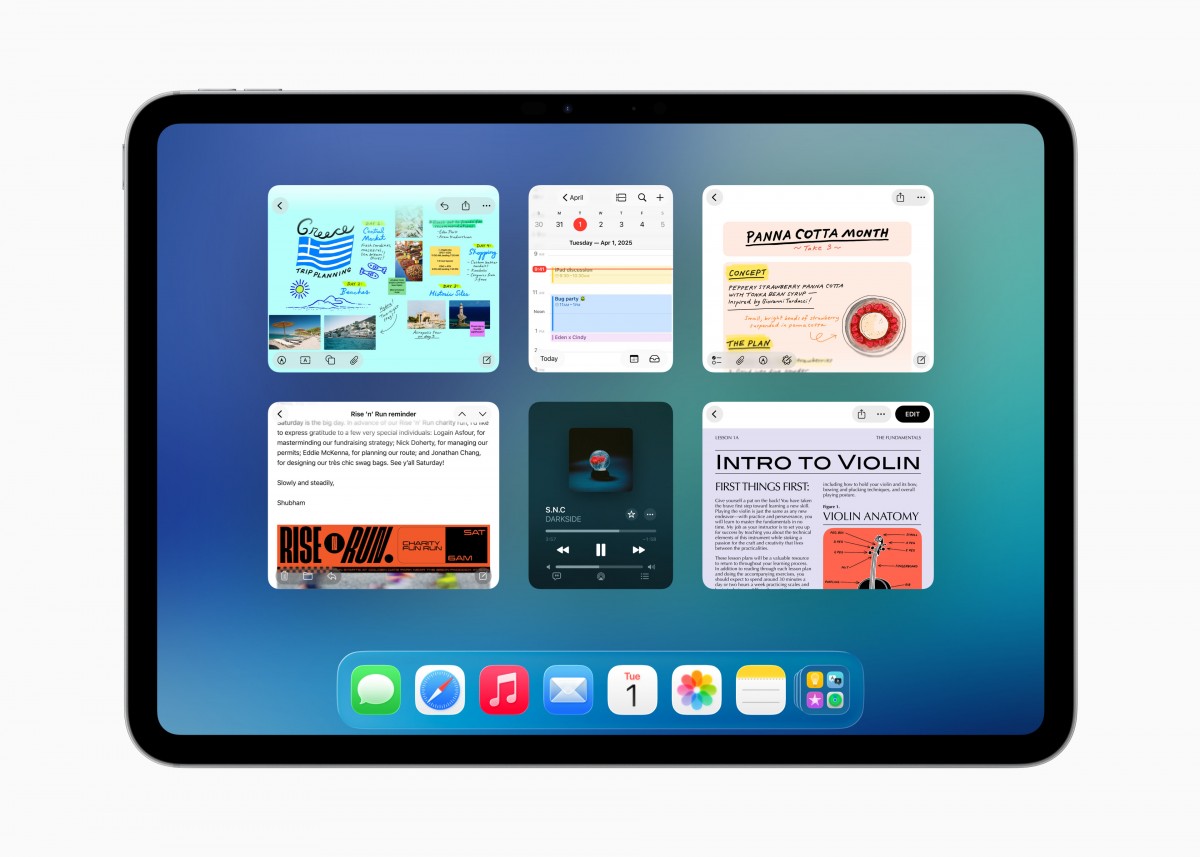
Additionally, iPadOS 26 introduces a menu bar for apps, similar to the one found on Mac computers. This feature can be accessed with a simple swipe down or mouse pointer movement and includes customizable options for developers. The Preview app from macOS also makes its way to the iPad, offering advanced image and PDF editing capabilities.
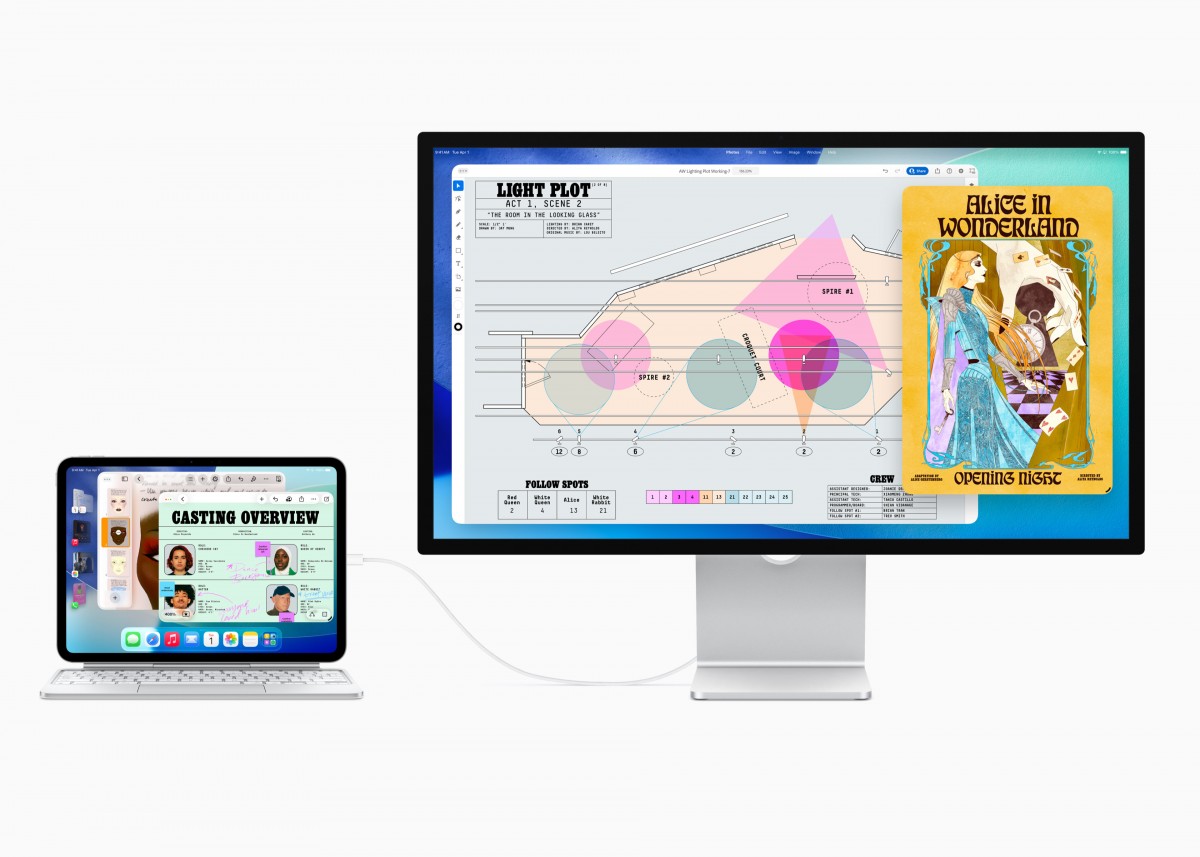
Background Tasks have been updated to allow better tracking of long-running processes, while the Files app receives a new UI with enhanced list view and customization options. Users can now choose different microphones for each app, enjoy Voice Isolation for audio recordings, and capture high-quality audio and video from video conferencing apps.
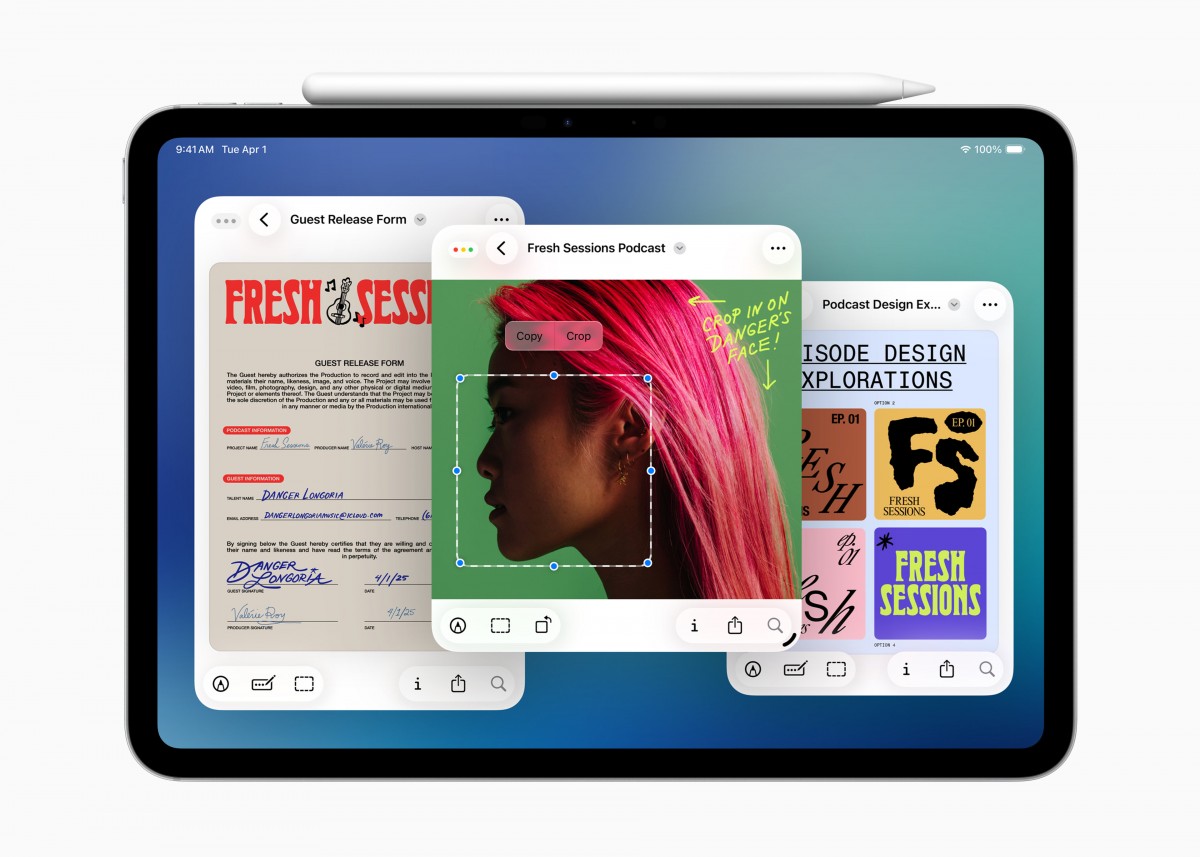
With a new design language called Liquid Glass, iPadOS 26 brings a fresh look to UI elements, along with improved AI capabilities like Live Translation and updated Shortcuts features. The developer beta is available now, with the public beta coming next month and the final release scheduled for later this year.




