Apple has rolled out the latest macOS update, Tahoe 26, bringing a range of exciting new features and design enhancements. From a revamped Spotlight to improved Shortcuts and Live Activities integration, there's a lot to explore in this update.
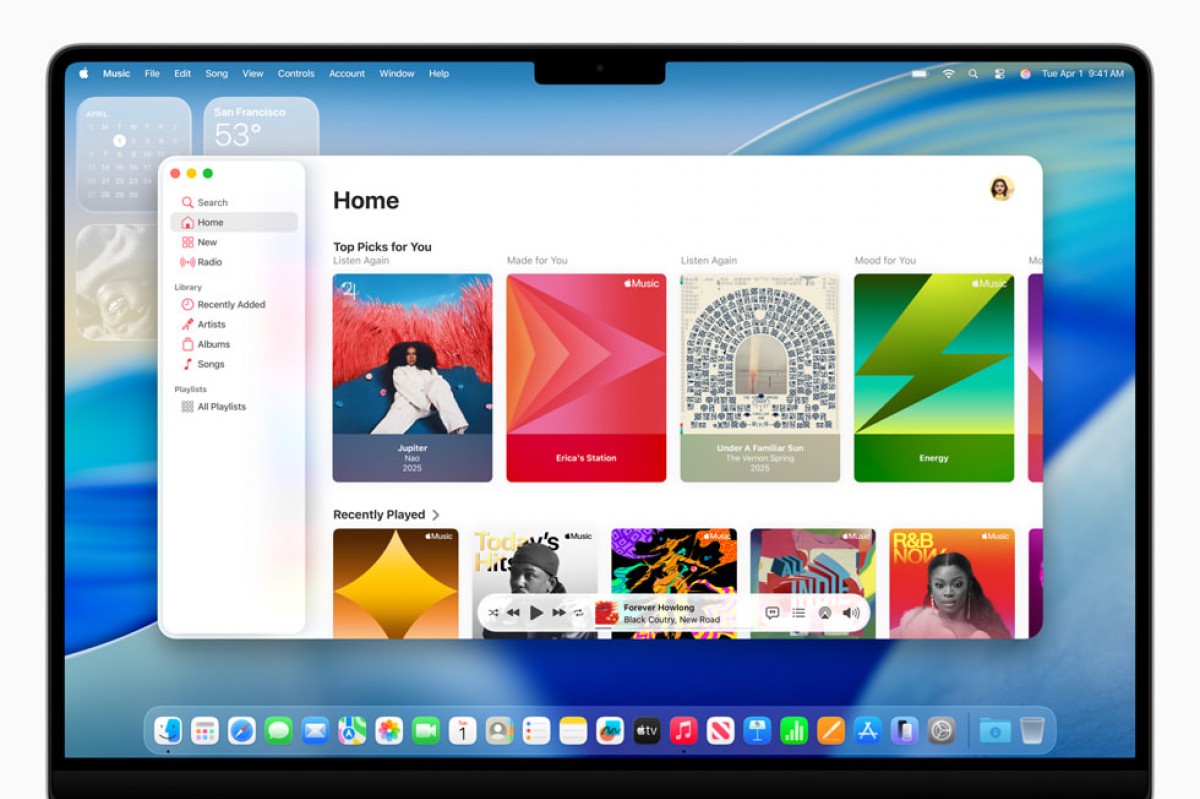
The Liquid Glass design language is at the forefront of this update, offering a fresh visual experience with added depth and transparency. Control Center has been expanded with new toggles and theme colors, allowing for a more customized desktop. Additionally, users can now personalize folder colors and add emojis for a fun touch.
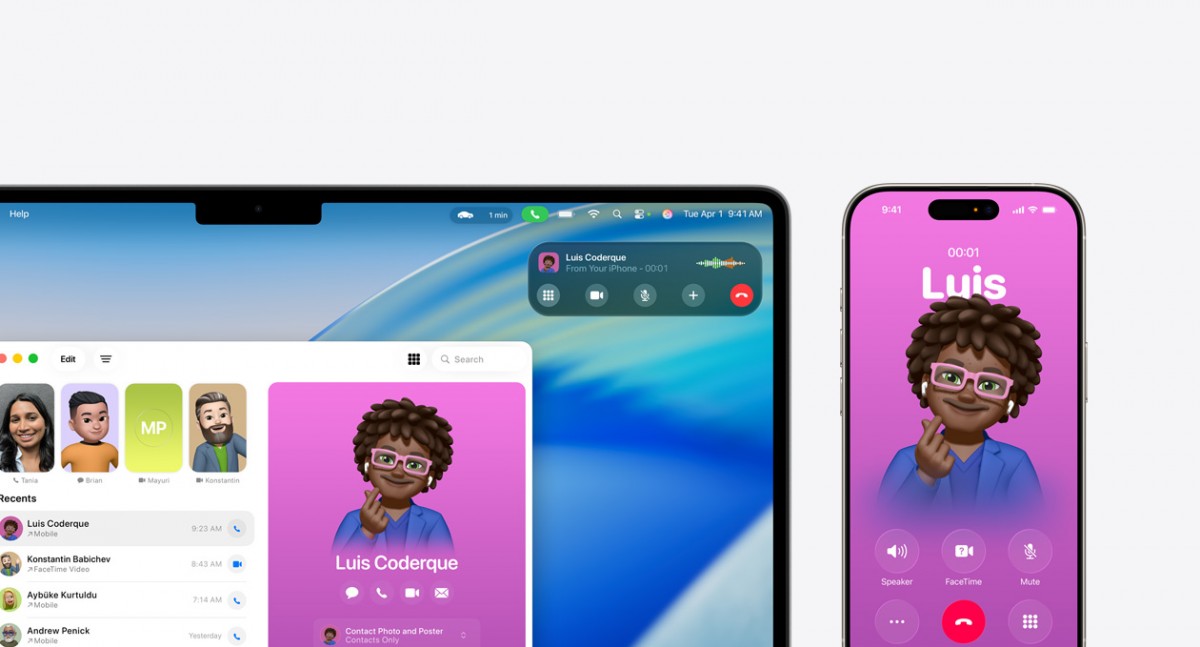
One of the standout features is the integration of the Phone app on Macs, enabling users to make and receive calls as well as access favorite contacts. Live Activities have also been streamlined to the menu bar for quick access to tasks like food orders and ride-hailing requests.
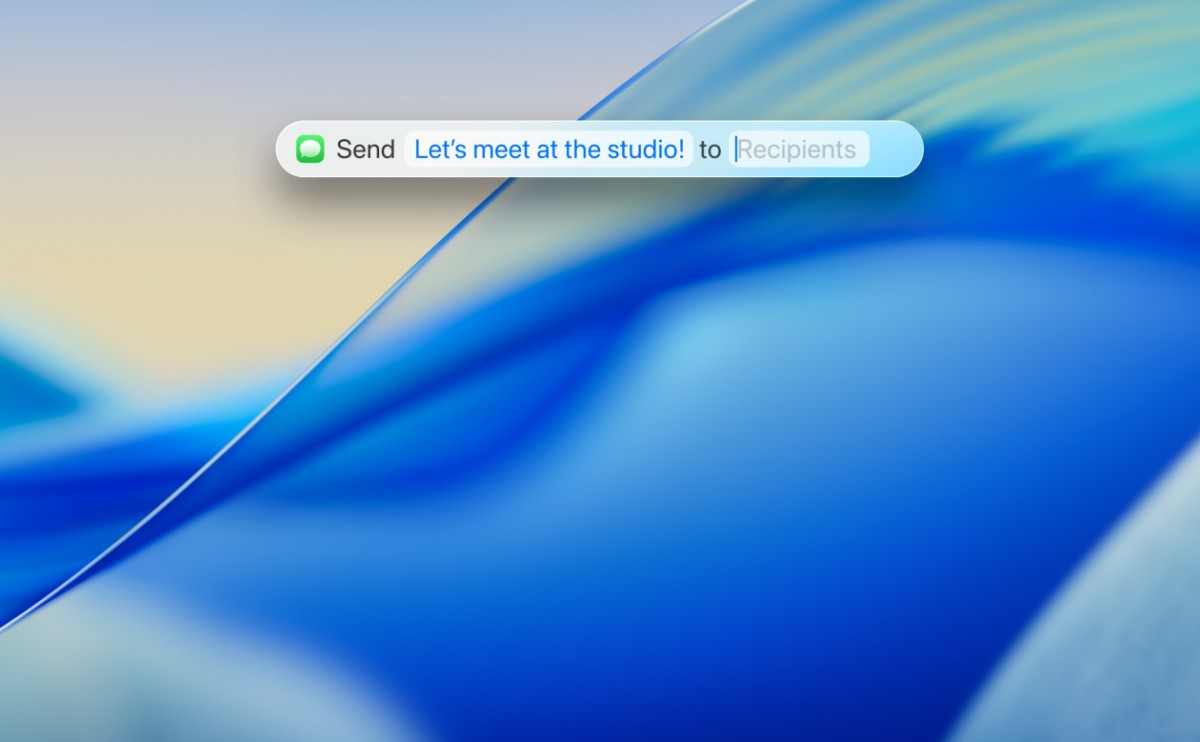
Spotlight receives a major update, allowing users to perform various tasks without switching between apps. From sending emails to launching Shortcuts, Spotlight now offers a seamless experience with ranked search results based on relevance.
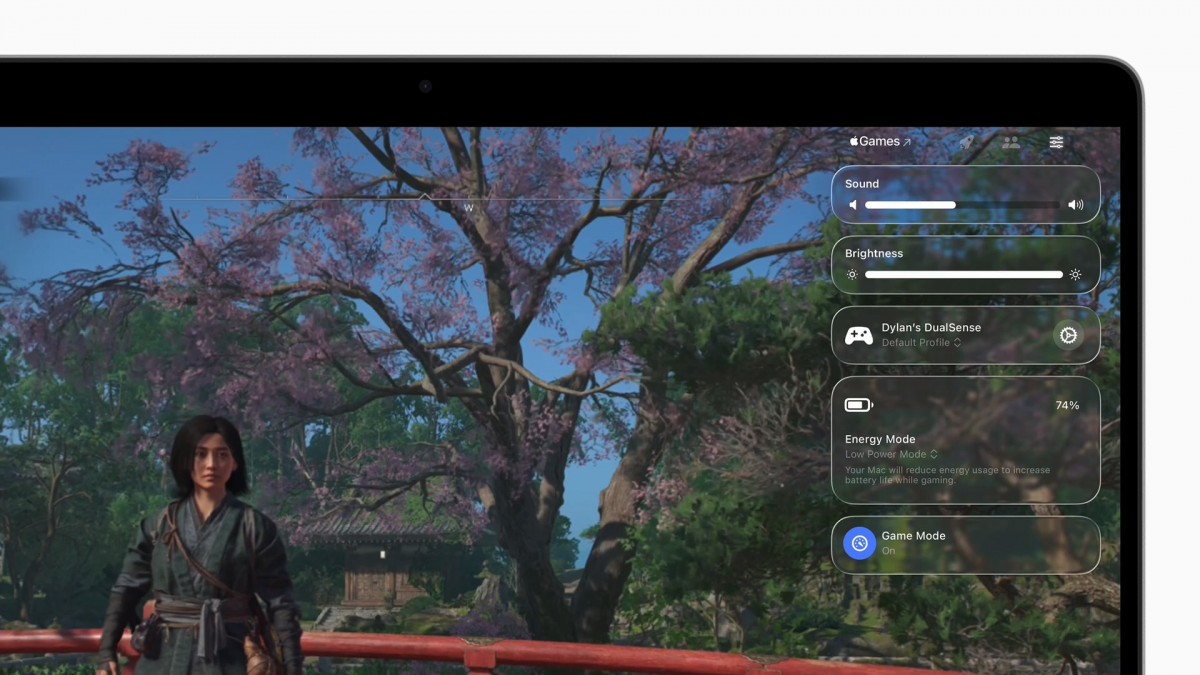
Shortcuts have also been revamped, allowing for scheduled executions and specific triggers. Safari gets a visual refresh along with performance improvements, and the Apple Games app introduces a game overlay for enhanced gaming experience.
macOS Tahoe 26 is currently available in developer beta with a public beta scheduled for next month. The official release is set for this fall, compatible with Apple Silicon Macs and Intel models with the T2 security chip.




