In an exciting development for Android users, the ChatGPT app has entered a new phase with its latest beta update, allowing the OpenAI-powered assistant to replace Gemini as the default digital assistant. This innovation aims to enhance user experience by providing seamless integration with Android devices.
Once you install the beta version of the ChatGPT app, you can easily set it as your go-to digital assistant. To invoke ChatGPT, simply long-press the home button if you use the traditional three-button navigation, or swipe up from either corner of the screen if you prefer gesture navigation. Additionally, with the correct settings activated, you can also long-press the power button to access ChatGPT.
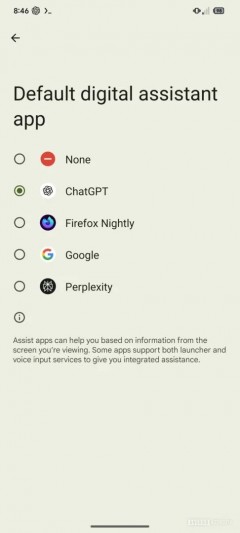
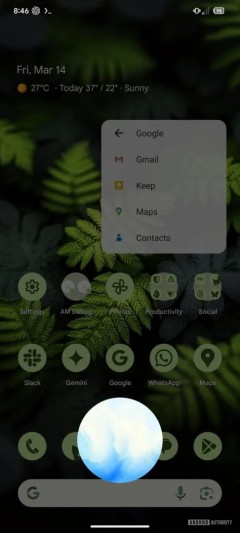 ChatGPT as the Default Digital Assistant
When you launch ChatGPT using these methods, it opens in voice mode, ready to assist you. However, unlike Gemini, which can be activated with a hotword (such as "Hey, Google"), ChatGPT currently lacks this feature. This limitation is due to the need for particular APIs, which are restricted to trusted, pre-installed applications on Android devices.
While it's not clear when this exciting feature will make its way out of beta, users who are not on the beta program may need to wait a bit longer to enjoy the benefits of using ChatGPT as their digital assistant. However, the integration is on the horizon and promises to change the way Android users interact with their devices.




