Android smartphones often showcase innovative and diverse features, whereas iPhones tend to adopt a more traditional approach. However, these differences extend beyond mere aesthetics and functionality; they also impact how the devices connect to network signals under challenging conditions. A recent analysis by GeekerWan, renowned for conducting comprehensive smartphone assessments, highlights the contrasting methods that iPhones and Android devices employ when dealing with weak or lost connectivity—one emphasizing battery conservation, the other prioritizing rapid reconnection.
 When an iPhone attempts to connect, it embarks on a systematic search for a network. It makes about three substantial attempts before shifting to a more intermittent search pattern, eventually giving up if connectivity is not restored. This behavior forces iPhone users, especially during moments of fluctuating signal like subway rides, to master the art of toggling airplane mode in order to reinitiate the search. This is likely due to Apple’s emphasis on conserving battery life; when it concludes that no connection is available, it requires users to manually reset the search rather than continuously seeking a signal. In contrast, Android smartphones persist in their search once a signal is lost, autonomously re-establishing connectivity without user intervention. This feature allows for a faster reconnection once the signal is restored, streamlining the experience for the user.
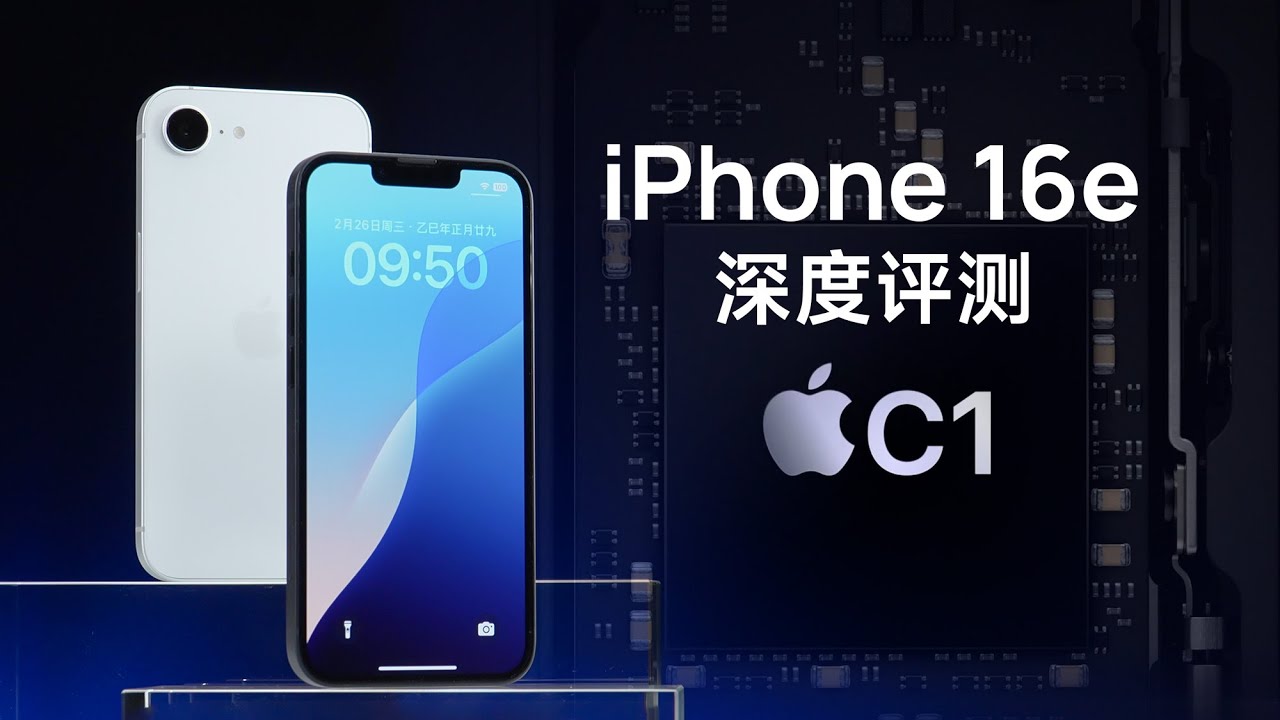
In this intriguing comparison, GeekerWan tests the latest iPhone 16e, iPhone 16, and Xiaomi 15, shedding light on how these devices address connectivity challenges.
Heads up: the video includes English subtitles for easy understanding.
Over time, as the Android device recognizes the loss of signal, it incrementally decreases the number of displayed connectivity bars until they completely disappear.
However, it’s worth noting that this persistent searching can deplete battery life more rapidly on certain Android models, resulting in a noticeable decline in battery percentage—sometimes faster than one's enthusiasm on a dreary Monday morning—depending on the device's hardware characteristics.




