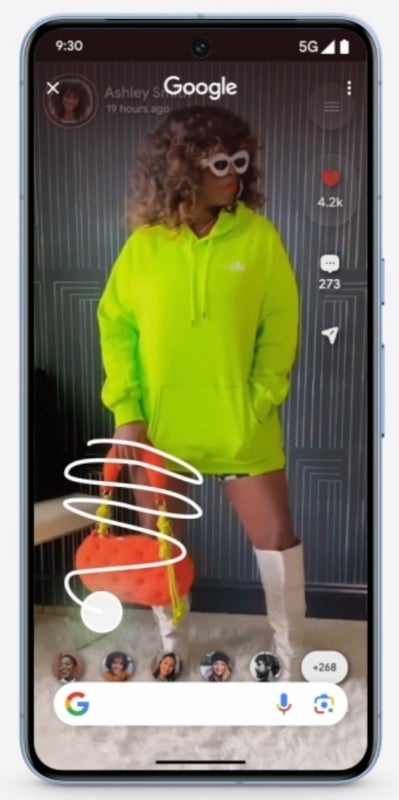
Google has unveiled its Circle to Search feature, a handy tool for Android users that allows for seamless searching directly on their device. Instead of navigating between apps when you come across something intriguing, you can simply circle, highlight, or tap on it to gain additional information. Recently, Samsung smartphones that lacked this feature have received updates, enabling users to enjoy Circle to Search. Furthermore, Android 15 has also introduced this feature for Phone (2), Phone (2a), and Phone (2a) Plus models.
In an exciting development, Nothing has launched an update that brings the Circle to Search feature to its inaugural smartphone, the Nothing Phone (1), originally released in 2022. To enable this feature on the Nothing Phone (1), navigate to Settings > Special features > Gestures > Navigation mode > Circle to Search. Once set up, you can easily access it by long-pressing the Navigation bar or Home button (ensure the navigation bar is visible).
Google's Circle to Search streamlines Android browsing | Image credit: Google
New features
Introduced power-off password verification to prevent unauthorized power-off if the device is lost. Access it by searching 'Power off verify’ in Settings.
Included new wallpapers for personalization.
General improvements
Enhanced speed of Settings response time.
Optimized Quick Settings pull-down speed while in landscape mode.
Improved stability for Wi-Fi, Bluetooth, and overall system performance.
Updated the device to the February security patch.