In an exciting development for users of the Nothing Phone (1), the latest software update, Nothing OS V3.0-250218-1552, has been rolled out, enhancing the functionality of the device with the innovative Circle to Search feature. This update allows users to perform a quick search simply by enabling the feature in the settings. To activate it, navigate to the Settings menu, then select Special features, followed by Gestures, Navigation mode, and finally Circle to Search.
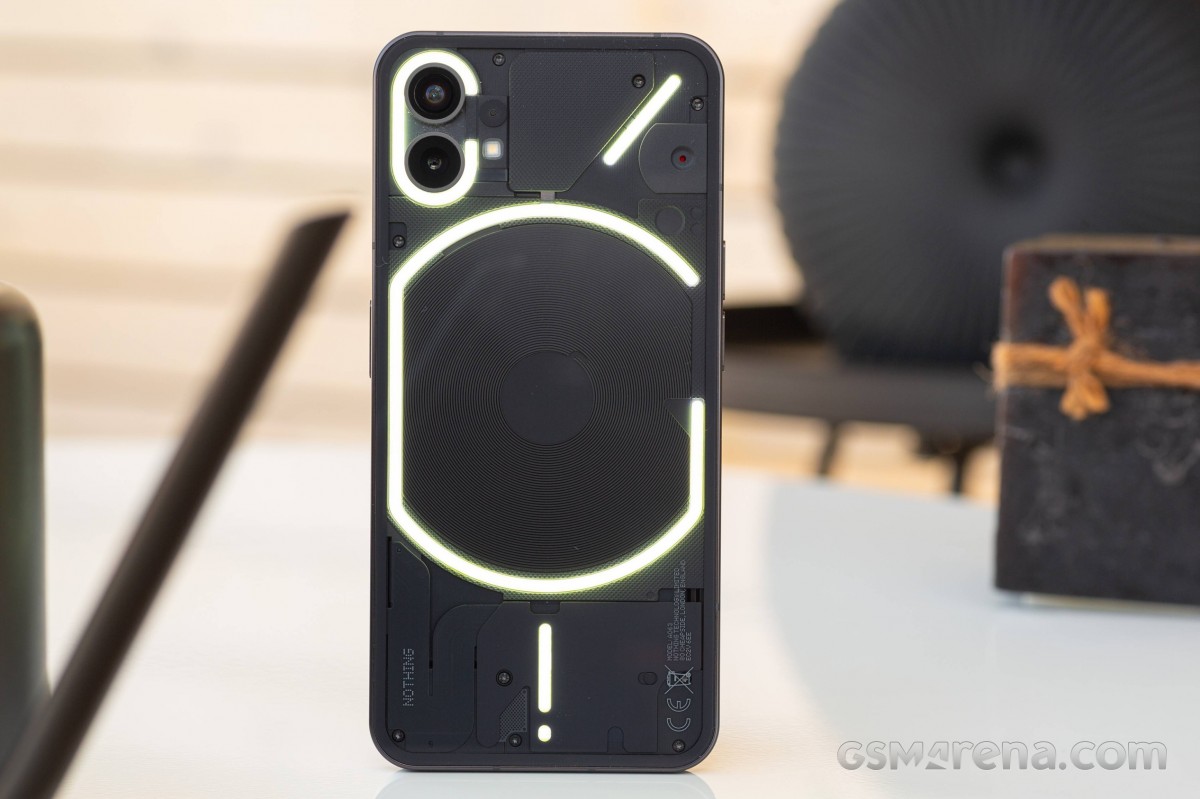
For those who prefer the 3-button navigation system, accessing Circle to Search is as easy as long-pressing the home button. However, users opting for gesture-based navigation can easily long-press the navigation bar to engage this new feature.
Nothing Phone (1)
| 128GB 8GB RAM |
$ 715.00
|
€ 215.64
|
| 256GB 8GB RAM |
$ 490.00
|
£ 239.99
|
| Show all prices |
For users interested in the details of the Nothing OS V3.0-250218-1552 update, the changelog provides a comprehensive overview of the new features and improvements available.
New features:
- Revolutionary Circle to Search functionality now accessible.
- Enhanced security with power-off password verification, ensuring protection if your phone is lost. Navigate to 'Power off verify’ in Settings to enable.
- Exciting new wallpapers added to personalize your device.
General improvements include:
- Boosted responsiveness speed of the Settings menu.
- Optimized speed for Quick Settings pull-down in landscape mode.
- Improved WiFi, Bluetooth, and overall system stability.
- Updated security with the latest February patch.




