Adobe has officially extended its renowned Photoshop application to iPhone users, building on its existing availability for iPads. For Android users, the wait continues, as Adobe has confirmed that a version for their devices will be released later this year. Those eager to get their hands on it sooner can sign up for notifications regarding the Android beta release.
The iPhone version of Photoshop is available as a free download and comes equipped with a selection of free features. However, to unlock a range of advanced tools and capabilities, users will need to subscribe to Adobe's new "Mobile & Web" plan, available via the Apple App Store. This subscription not only provides premium features on the iPhone but also extends access to the web version of Photoshop.
If you are already a subscriber to Photoshop on desktop, you will automatically have access to Photoshop on both iPhone and the web. Additionally, the web version of Photoshop is now compatible with major browsers including Chrome, Firefox, Safari, and Edge.
Free features on the iPhone version include:
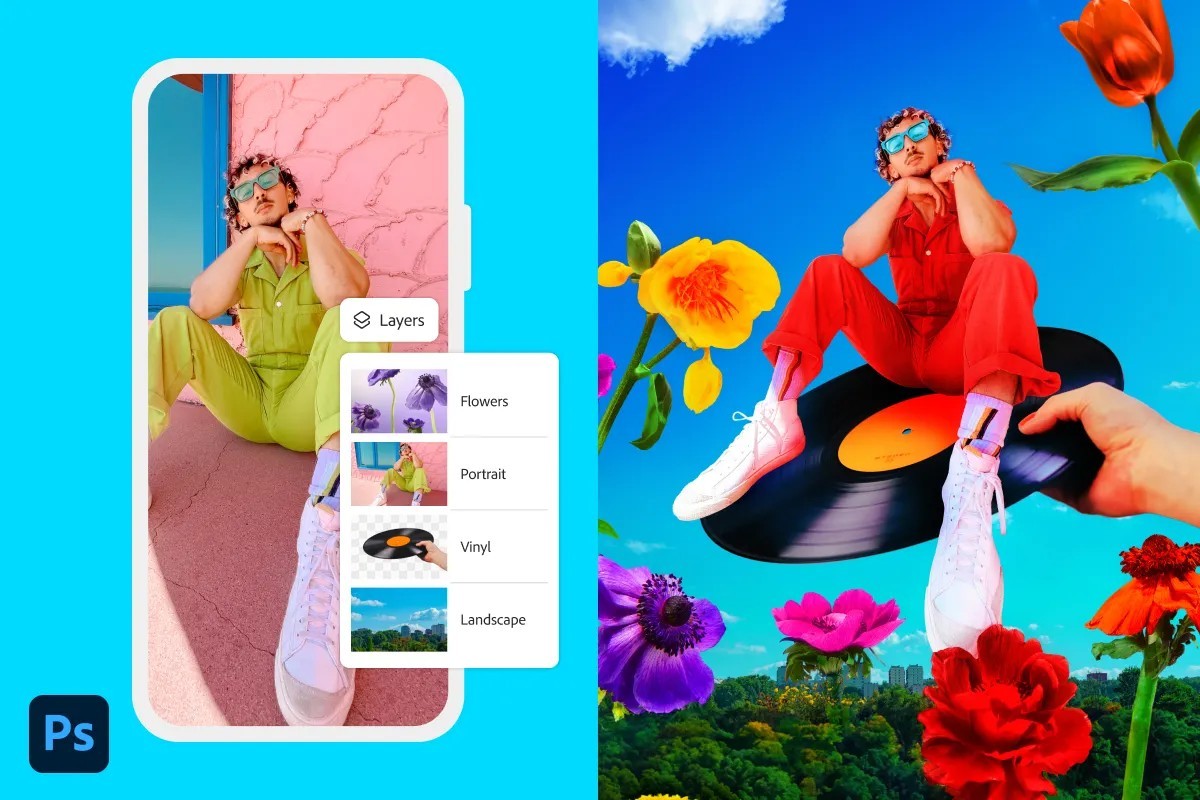
- Create stunning designs using core Photoshop tools, including precise selection tools, unlimited layers, and masks.
- Utilize the intuitive Tap Select tool to remove, recolor, or replace sections of an image.
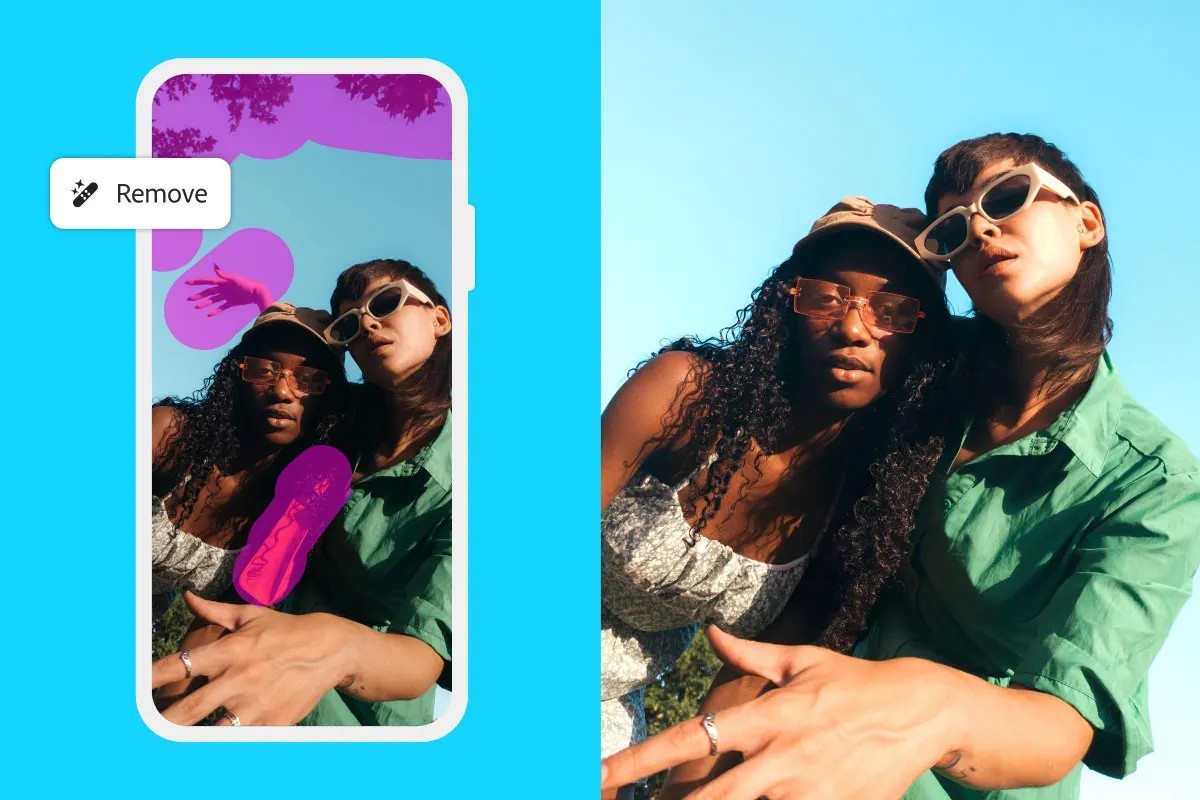
- Employ advanced tools like the Spot Healing Brush to eliminate imperfections quickly.
- Benefit from powerful generative AI tools, such as Generative Fill and Generative Expand, which can simplify complex edits.
- Edit cloud-based PSD files seamlessly with Adobe Express, Adobe Fresco, and import photos from Adobe Lightroom.
- Make use of non-destructive editing with unlimited layers and selective adjustments, while maintaining file fidelity through full-resolution editing.
- Access a comprehensive library of free Adobe Stock assets for easy image enhancement.
The Mobile & Web subscription plan costs $7.99 monthly or $69.99 annually, and offers additional features including:
- Advanced object removal tools like the Remove Tool and Clone Stamp, along with Content-Aware Fill capabilities.
- Enhanced selection tools for precise adjustments using Object Select and Magic Wand.
- Control over transparency, color effects, and artistic styles via advanced blend modes.
- Access to over 20,000 fonts and the option to import custom typefaces.
- Export assets in various formats with customizable print quality and compression settings.
Moreover, the new features allow you to effortlessly sync files between your iPhone and the web. Users on the web can access powerful tools such as the Camera RAW filter, shapes, and layer effects, along with advanced generative AI functionalities like Generate Similar and Reference Image. You can also non-destructively add or remove content from images using Generative Fill and Generative Expand, as well as leverage Text to Image AI capabilities.




