Android users can now enjoy a simplified file-sharing experience thanks to Google's latest enhancement to its Quick Share feature—introducing QR code functionality. This innovative update aims to streamline the process of transferring files, making it quicker and more user-friendly than ever before. The implementation is user-friendly. In the Quick Share menu, users can opt for the “Use QR code” feature, which generates a branded QR code visible on their screen. Recipients can then easily scan this code with their own Android devices. To facilitate the scanning process, the screen brightness increases automatically, ensuring that the QR code is easy to read. Once scanned, a secure link opens up, initiating the file transfer immediately.
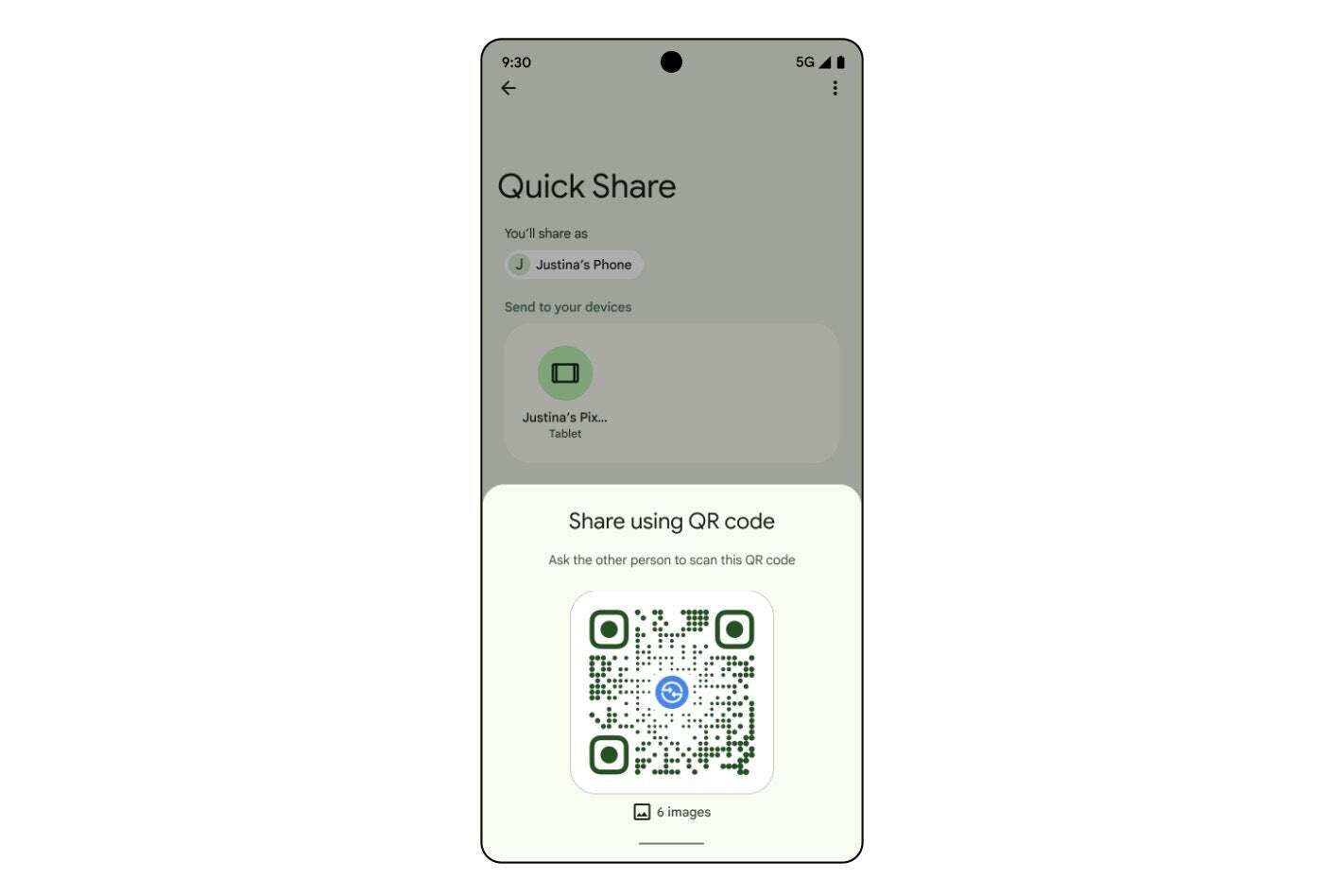
Quickshare QR Code. | Image credit — Google
One of the standout features of this update is its versatility; a single QR code can be scanned by multiple devices simultaneously, making it easy to share files such as photos, videos, or documents with groups. The bottom of the screen conveniently displays details regarding the type and number of files being shared.This new QR code integration into Quick Share addresses many of the common issues users face when sharing files. Traditional sharing methods often involve multiple steps, such as ensuring devices are discoverable or modifying sharing settings. By replacing these complicated processes with a simple QR code scan, Google has created a more efficient and dependable way for users to transfer files quickly and effortlessly.




