Just like its counterparts in the Nothing smartphone lineup, the Nothing Phone (2a) Plus is now receiving the much-anticipated Nothing OS 3.0 update, which is based on Android 15. Users can easily access this update through the settings menu by navigating to Settings > System > Software update.
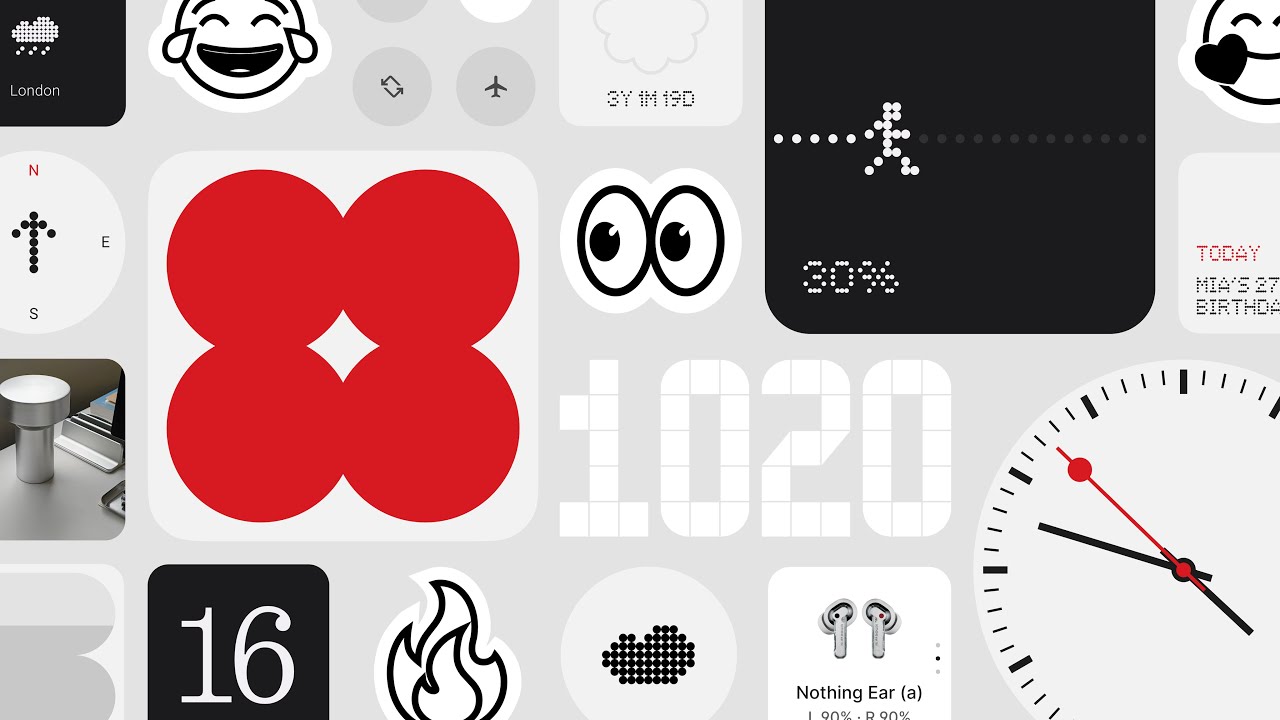
Video credit: Nothing
Nothing OS 3.0 enhances the user experience with a host of exciting features:
Shared Widgets
Widgets can now connect friends and family, allowing shared interactions and reactions on each other's home screens.
Lock Screen Improvements
New customization page accessible via long-press or the Customization section.
Various new Clock face styles to choose from.
Increased widget placement options, letting you add more widgets on your lock screen.
Revamped App Drawer
The update introduces an AI-powered Smart Drawer that auto-categorizes apps into folders for better organization. You can now pin your favorite apps for easy access.
Enhanced Pop-up View
Move the pop-up view to any location on the screen for multitasking.
Resize the pop-up by dragging its corners.
Pin the pop-up view at the edge of the screen for quick access.
Swipe down notifications to open the pop-up view, allowing you to check information without leaving your current app. This feature can be enabled in Settings > Special features > Pop-up view.
Design Enhancements
Revamped Quick Settings and editing experiences for user-friendly shortcuts.
Updated widget library showcasing both Nothing Widgets and third-party options.
Improved Settings UI visuals, specifically presenting current connections in Network & Internet and Bluetooth settings.
New animations for fingerprint unlocking and charging status.
Additional Features
AI learning for usage habits to prioritize frequent apps for better efficiency.
Improved charging status display on the lock screen.
Auto-archive function to free up storage space intelligently.
Partial screen sharing capability for recording isolated app windows.
Updated setup wizard for a smoother initial setup experience.
Enabled predictive back animations for compliant apps.
Note that Shared Widgets currently work only between Nothing devices, and only Photo Widgets (square) can be shared at this time. The company has committed to adding more widget support in the near future.
Additionally, the Countdown Widget is set to be available on Google Play through the Nothing Widgets app.
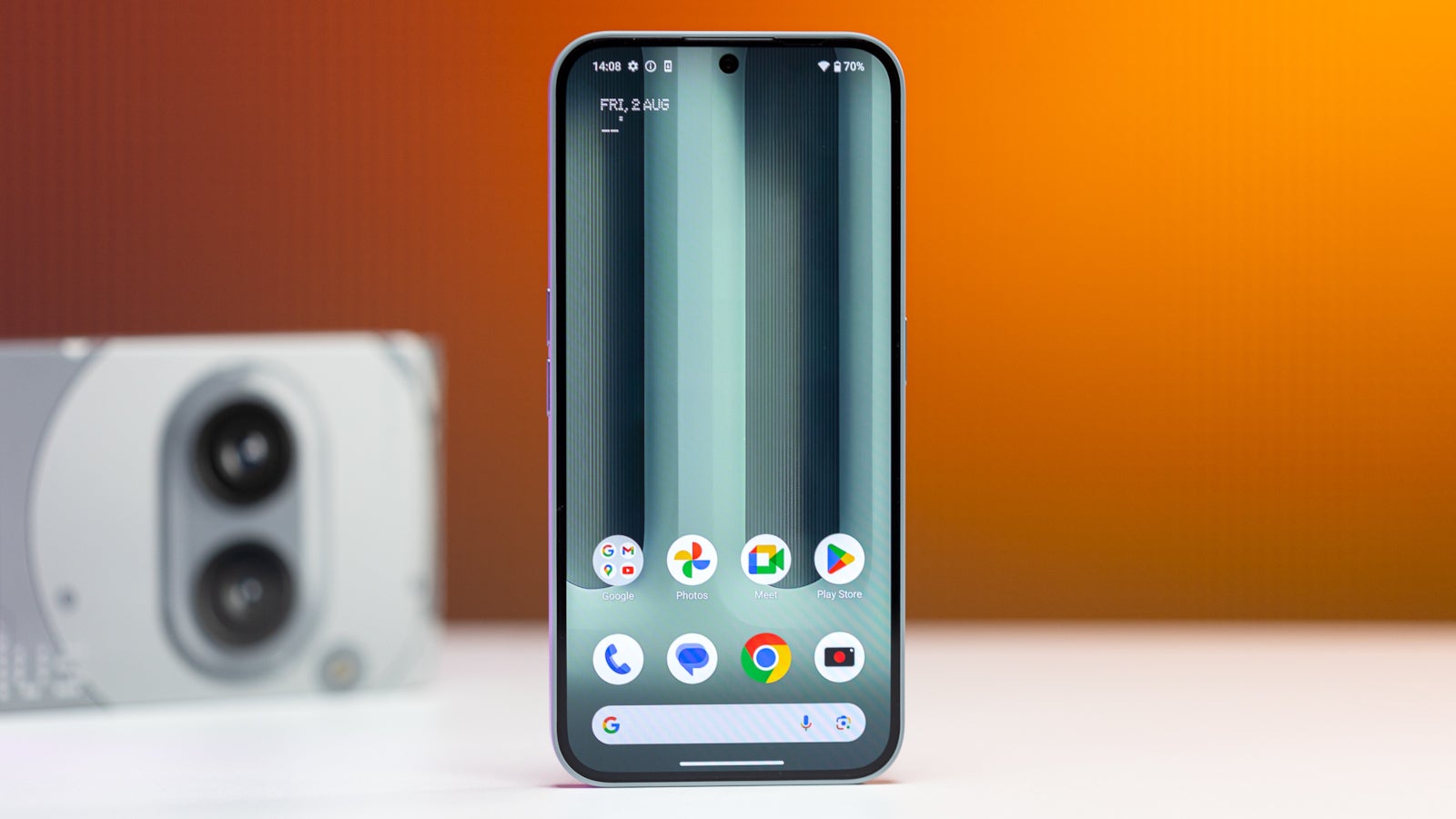
Nothing Phone (2a) Plus | Image credit: PhoneArena
As a precaution, since this is a major update, users may experience temporary overheating and increased power consumption. It is recommended to ensure your battery is fully charged before initiating the installation of Nothing OS 3.0. Any increase in temperature should subside after the upgrade is complete.
The Phone (2a) Plus stands as the first device among the three in Nothing's lineup to receive the Nothing OS 3.0 update based on Android 15, while future updates for the other two devices are anticipated to roll out by early 2025.