Back in early 2014, the tech world witnessed a rise and fall with the Typo keyboard case, championed by television personality Ryan Seacrest. Despite its failure, the innovative spirit thrived as Michael Fisher (Mr. Mobile) and Kevin Michaluk (CrackBerry) emerged with the Clicks case—an iPhone accessory that reintroduces the charm of physical keyboards. Curious about this nostalgic piece of tech? I decided to give the Clicks case a try with my
Experience Typing Like Never Before with the Clicks Case
Imagine a world where your iPhone typing experience transcends the limitations of a virtual keyboard. The Clicks case transforms your iPhone by adding a tactile keyboard that, while it may require some adjustment, ultimately enhances your typing efficiency. In practice, I found myself occasionally forgetting the presence of the physical keyboard, relying instead on the virtual QWERTY that only appears when summoned. This initial confusion faded quickly, as I became accustomed to tapping away on the Clicks, guided by the reassuring feedback of the backlit keys—even in low light conditions. 
Within a few days, typing with the Clicks case felt second nature. I could craft long messages with ease, adapting to the additional key for numbers and special characters. The only caveat? The bulkiness of the iPhone 15 Pro Max could make it feel slightly top-heavy, but with time, this sensation became manageable. Unlike its predecessor Typo, the Clicks case found distribution success and is readily available in vibrant colors like London Sky, Bumble Bee, and Royal Ink, catering to the iPhone 15 Pro Max and soon to be available for the iPhone 16 models as well.
For those wondering about the rationale behind purchasing a Clicks keyboard case, it boils down to enhanced display space. Without the virtual keyboard occupying screen real estate, you gain up to 50% more usable display area. The process of adjusting to the physical keyboard leads to greater typing confidence, expands creative communication, and reignites the joy of texting. Not to mention, it stands as a unique conversation starter, drawing curious glances and inquiries from onlookers. 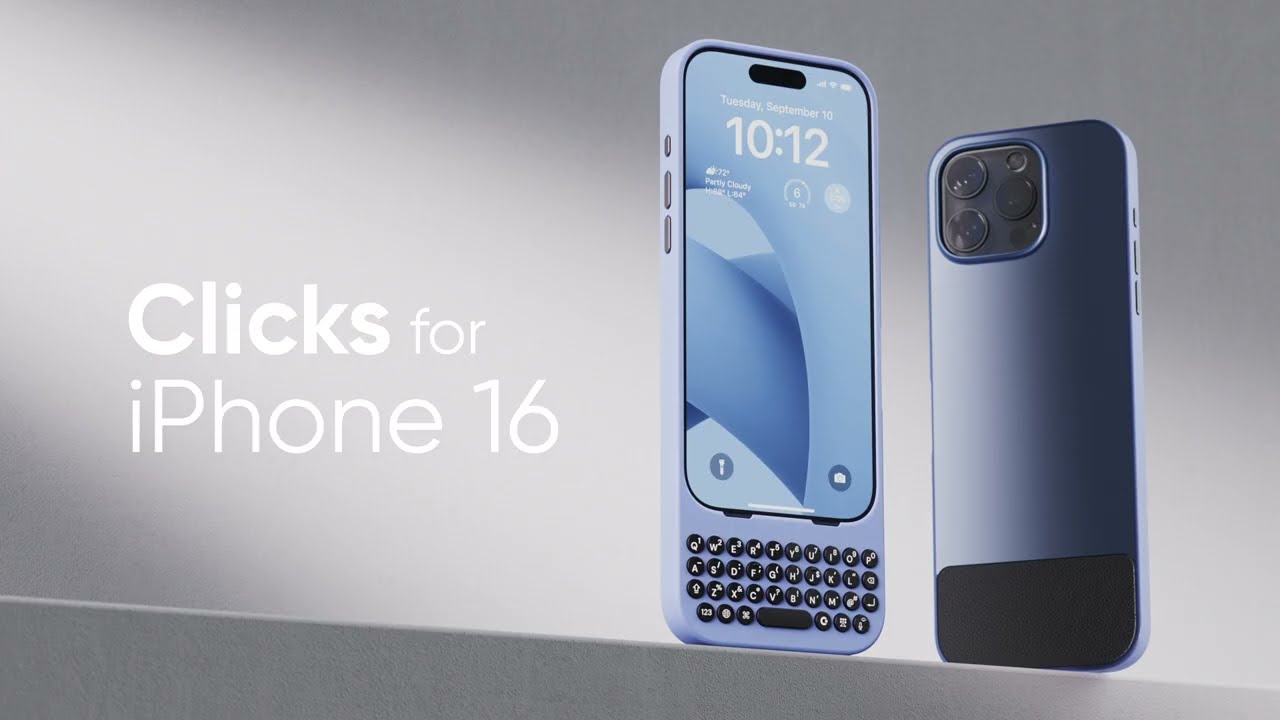
As I delved deeper into the Clicks experience, it became clear that users fall into two categories: those who keep the case on their iPhone continually and those who reserve it for typing occasions. Personally, I’m leaning towards the former, relishing the delightful sound of clicks and the nostalgic feel of a physical keyboard. If you miss the tactile sensation of physical typing or have simply been intrigued by the idea, the Clicks keyboard case might just fulfill that desire and enhance your iPhone experience. 



